Atlassian AMP Puts Agent Identity and Permissions Into Teamwork
Atlassian wants work from a local agent session to become part of the team’s Jira record. When an agent joins the team, whose identity is behind the changes it makes?
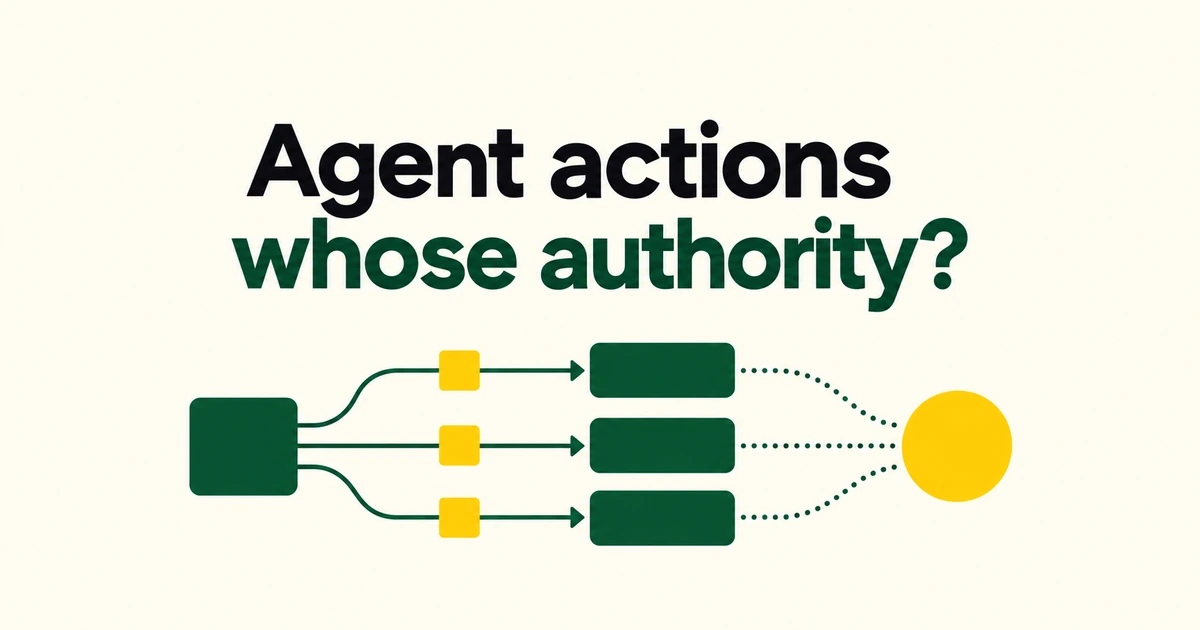
- Atlassian's Agentic Multiplayer Protocol combines collaboration, agent identity, and shared context.
- MCP remains a connection mechanism alongside CLI and A2A integrations.
- Check the execution account behind the agent: API-token activity may be attributed to that account rather than individual users.
AMP includes MCP in a broader collaboration model
Atlassian introduced AMP in its October 6 Team ’26 Europe announcement. Its stated model gives agents an identity, limited authority, shared context, and results that people can review.
The AMP page describes a collection of collaboration experiences, technologies, and patterns. Atlassian MCP, the Teamwork Graph CLI, and A2A provide connections to organizational context. The announcement does not instruct teams to replace their MCP integrations with a competing protocol.
An agent's name needs an execution identity
Atlassian presents run modes that use a person's permissions or a dedicated agent account. Its model combines visibility into active agents with controls over access and who can use them.
Availability still needs attention at the feature level. The October 6 announcement described additional controls involving agent accounts and a non-human identity inventory as forthcoming. The overall product vision should not be read as a promise that every capability is enabled for every customer.
Local agent runs connect back to Jira work
Atlassian announced agent sessions that link local and cloud runs to Jira work items. The intent is to make activity from an individual's development environment visible in the team's work record. AMP also presents experiences such as calling an agent from a Confluence page and briefing it through Loom.
Some documented integrations have explicit prerequisites. The out-of-the-box third-party agent guide requires Rovo Premium or Enterprise, administrator activation of the MCP server, and an account with the external service. Those are conditions for that feature, not a universal AMP pricing rule.
| Example agent | Documented MCP server status | Shared prerequisites |
|---|---|---|
| Figma | Generally available | Eligible Rovo plan, admin activation, external account |
| Replit | Beta | The same prerequisites, with beta limitations |
API-token logs may identify an account, not each user
The MCP authentication guide recommends OAuth 2.1 for interactive, user-driven connections. API-token authentication serves non-interactive uses such as bots and backend services, and must be enabled by an organization administrator.
According to the monitoring documentation, MCP tool calls create audit events containing the tool, action, and user. Administrators can inspect MCP activity under Insights → Audit log.
With API-token authentication, however, calls can appear under the service or technical account associated with the token. Separate entries identifying each person using the external AI tool may not exist. Giving agents different display names does not, by itself, establish individual attribution behind a shared execution account.
A useful adoption check therefore examines the account, its allowed actions, and the actor shown in the resulting log. Successful connectivity is only part of the result an administrator needs.
Frequently asked questions
Does AMP make existing MCP configuration obsolete?
No. Atlassian includes MCP among AMP's connection mechanisms.
Do agent logs always identify the individual requester?
No. API-token connections can attribute actions to the token's account rather than each external end user.
AMP's practical test is whether the team can connect an agent's work to its authority and accountable identity.