Edit an Existing HWP Template with Claude Through Hancom Docs
A Korean agency sent its own HWP form, and your report text is already written. How does Claude fill that exact layout instead of starting a new file?
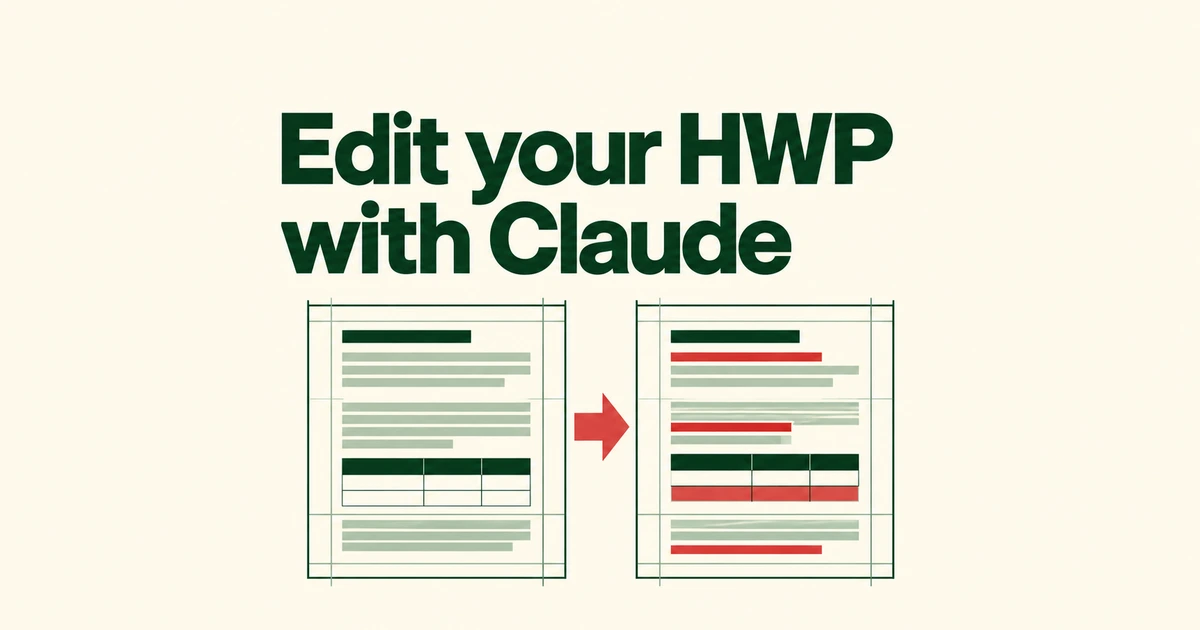
- hancomdocs-skills lets Claude edit an existing HWP document through the Hancom Docs browser interface.
- Prepared text becomes HWP-compatible HTML, followed by paste, table and paragraph-formatting steps.
- The verified environment is macOS with Chrome. Table-row additions and deletions need separate review because they are not tracked as changes.
Keep the supplied HWP document open while making targeted edits
If a Korean institution sends an HWP form, generating a fresh report may leave you with another job: transferring the text into its required layout. hancomdocs-skills addresses that step through Claude Code. It edits an existing document opened in Hancom Docs, the browser-based editor.
In the creator’s project introduction, people still define the document’s direction, plan its paragraphs and supply supporting material. The automation handles writing and editing tasks around that preparation. The motivation was preserving the supplied form’s settings, rather than producing another document that needed to be fitted back into the form.
That suggests a specific request: identify the document, replacement text and paragraphs to change. “Write a report” leaves the important boundary unresolved—what in the supplied template must remain untouched?
Pasting HTML is followed by document-formatting work
The hwpable-html skill converts finished text into HTML intended for HWP paste operations. Its stated role is formatting while preserving the wording, not generating or polishing the content.
| Task | Responsible skill |
|---|---|
| Replace names or phrases; edit table rows | hancomdocs-edit uses document reading, Find and Replace, and table menus. |
| Prepare finished text for transfer | hwpable-html adjusts the formatting representation for HWP. |
| Replace paragraphs or insert tables | hancomdocs-paste pastes HTML and adjusts table placement and spacing. |
| Fix list styles and short line overflows | hancomdocs-format copies reference paragraph styles and adjusts character spacing within an agreed limit. |
The paste workflow includes both setting a table to behave like an inline character and correcting the line spacing of the paragraph containing it. A remaining fixed spacing value can make the table overlap following text.
The formatting workflow similarly distinguishes typed bullet symbols from real paragraph formatting. It copies styles from correctly formatted paragraphs already in the document. Supplying those reference paragraphs gives the tool a concrete target.
The verified setup is macOS, Chrome and Claude Code
The project requires Claude Code, the Claude in Chrome extension and Chrome signed into Hancom Docs. Its verified setup is macOS with Chrome; Windows clipboard handling and shortcut behavior remain on the validation list.
The README provides these plugin commands:
/plugin marketplace add teddysbeach/hancomdocs-skills
/plugin install hancomdocs@hancomdocs-skills
This is a separate Claude Code project, rather than Hancom Docs’ built-in AI feature. A small first request might identify one form, one old organization name, its replacement and whether change tracking should be enabled. For a paragraph replacement, provide the finished wording and the formatting reference too.
The editing instructions account for a canvas-rendered document body. They rely on clipboard reading and Find and Replace instead of assuming every paragraph is an ordinary browser text field. Browser shortcuts can also conflict with desktop word-processor shortcuts, which helps explain why changing platforms is more than swapping Command for Control.
Review table structure as well as tracked text changes
The project explicitly says table-row additions and deletions do not appear in change tracking. Its base workflow reports them separately and stops when someone else is editing the document. Reviewing tracked text alone therefore leaves part of the edit unchecked.
Precise table width is another limit. The documented method drags a border approximately; exact dimensions may need manual work. Inline tables can move to the next page and leave space behind. Header, footer and footnote editing are also listed as future work.
The final pass should check old names and figures, leftover temporary text, and tables overlapping subsequent paragraphs. It should also identify formatting that could not be completed within the chosen constraints. The useful outcome is prepared text placed into the required form—with the remaining layout work visible before submission.