How an Agent Harness Turns Tool Calls into a Working Loop
The model has returned a read_file call, but no file has been opened yet. What code turns that request into an action and keeps the task going?
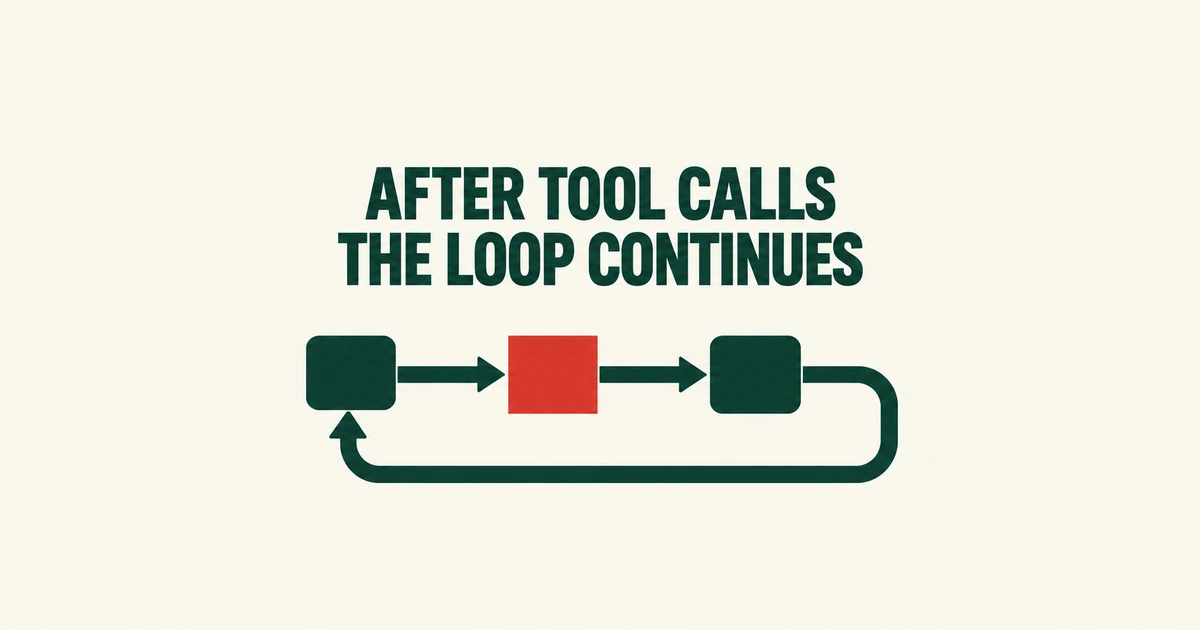
- For client tools, a model’s request becomes an action only when application code executes it.
- The harness returns the outcome and calls the model again to continue a multistep task.
- The tutorial’s v3 loop deliberately keeps termination simple; a production application needs to distinguish a finished response from a truncated one.
A tool call still needs something to execute it
In a client-tool setup, the model supplies a function name and arguments. Your application runs the function and reports what happened. Saying it will read a file and receiving that file’s contents are separate events.
Harness Engineering 101, recently shared on GeekNews, exposes this machinery through plain Python and HTTP. The 16-chapter tutorial develops a roughly 300-line toy agent. Its appeal is the ability to follow the execution path without first learning a framework’s abstractions.
Chapter 3 starts with tool definitions: names, descriptions and input schemas. A request for read_file is dispatched to a Python function. The content becomes useful to the model only after the application sends it back.
The next action depends on the previous result
Listing files and then choosing one to inspect takes more than a single action. The first result must reach another model call. A program that executes once and returns to its input prompt leaves that continuation to the user.
Chapter 4 closes the gap with a loop: call, execute, append results and repeat. One user turn can contain several model-and-tool exchanges.
| Stage | Harness responsibility |
|---|---|
| Request | Send the conversation and tool definitions. |
| Dispatch | Preserve the assistant response and execute requested functions. |
| Feedback | Attach results to their original tool-call IDs. |
| Continuation | Decide whether another model call is appropriate. |
The published v3 implementation executes the requested tools sequentially, collects their results into one message and caps the loop at 50 rounds. This makes message ordering and stopping conditions visible alongside the API call.
A response can stop before the work is complete
The example returns whenever stop_reason is anything other than tool_use. It does not separately recover from a response cut short by the output limit.
Anthropic’s reference distinguishes end_turn, a natural response ending, from max_tokens, an output limit. The latter calls for a higher limit or continuation. Even a natural ending says nothing by itself about whether a test passed; that evidence comes from execution results.
Error feedback is another boundary to inspect. The tutorial argues for returning useful failures to the model. The v3 code returns exception text, but does not attach an is_error flag or expose command exit status as a separate result field. Its brevity makes those omissions easy to see.
Learn the responsibilities you will keep or delegate
Reading chapters 3 and 4 beside the code gives a concrete starting point: identify the executing function, follow its result into history and locate the next model call.
Longer-lived applications need more. Cloudflare’s documentation separates harness behavior from runtime infrastructure and describes responsibilities including message persistence, tool orchestration and recovery. Writing the loop yourself gives control over those choices while leaving their implementation with you.
The useful framework question is what happens after a tool request: what gets recorded, which failures can resume and when control returns to the user.