Do You Need the Full Run:ai Stack or Just a GPU Scheduler?
Your team needs better GPU scheduling, but already has Kubernetes clusters and its own management interface. How much of that stack needs to change to adopt Run:ai?
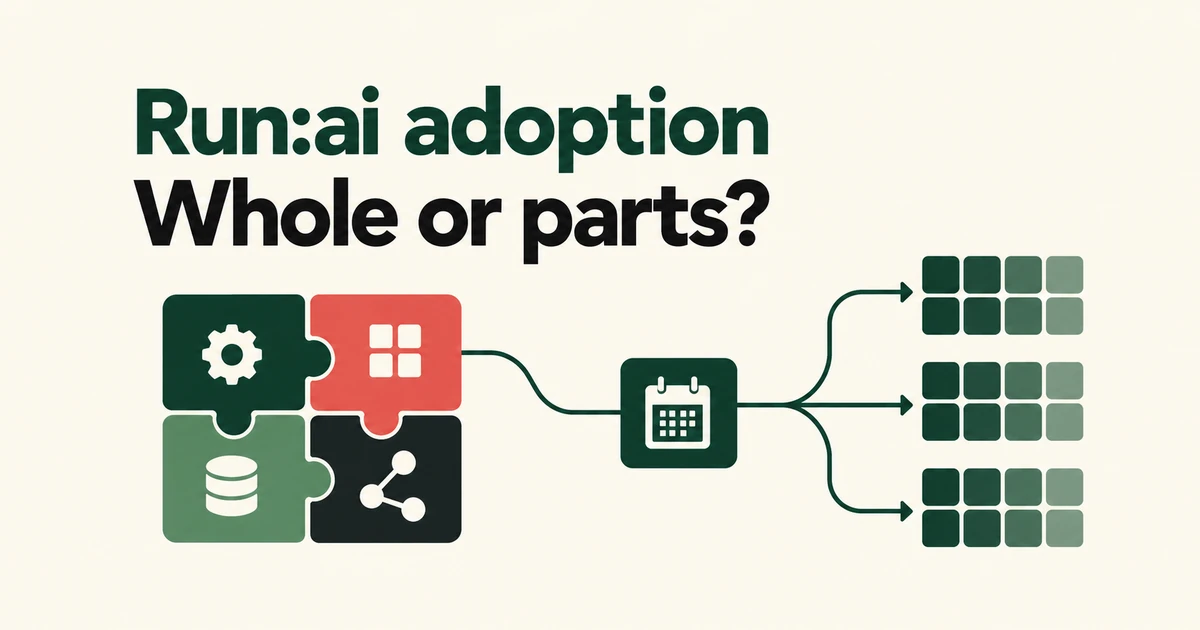
- Adopt KAI Scheduler on its own when scheduling is the missing capability.
- GPU memory enforcement, resource hierarchies and workload descriptions have separate components and deployment requirements.
- Choose the scope first, then check release maturity, infrastructure prerequisites and support.
You can adopt the scheduler without the whole platform
NVIDIA’s October 13 release of Run:ai opens the complete Kubernetes-based AI workload and GPU orchestration platform. Teams can deploy the integrated system or incorporate individual components into an existing stack.
The platform repository contains control-plane services, cluster services, an installer and clients. Its control plane coordinates resources, policies and workloads across connected clusters; cluster services apply scheduling and workload management where the jobs run.
For a team that already has its own management interface, the practical choice is therefore broader than replacing the entire platform. It can start with the missing capability.
Placement, enforcement and workload descriptions are different jobs
The four modules address distinct responsibilities:
| Component | Responsibility |
|---|---|
| KAI Scheduler | Places workloads using queues, quotas, fairness policies and topology awareness. |
| GPU Fractioning Operator | Applies GPU memory fractions on nodes and exports usage metrics. |
| KAI Resource Management | Adds projects, departments, node pools and queue integration. |
| Workload Map | Describes different Kubernetes workload types through a common structural model. |
A PyTorchJob and a RayCluster expose their components differently. Workload Map describes where to find pod templates, replica counts and status so integrations can understand both. That descriptive role is distinct from a scheduler’s placement decisions.
Available source does not imply an identical installation path
The GPU Fractioning Operator prerequisites include Kubernetes 1.28 or newer, containerd 2.0 or newer with NRI enabled—or CRI-O with NRI support—and an r615-or-newer NVIDIA driver for CUDA 13.4 capabilities.
The driver enforces a workload’s GPU memory ceiling. The README also says GPU Operator v26.7.1 does not select r615 by default. Installing an operator is not enough to establish that every dependency is satisfied, and a memory limit should not be treated as a promise of dedicated-GPU performance or complete isolation.
Release maturity varies, too. As of October 26, the KAI Resource Management README says there is no published release yet. Administrators currently need to package the chart from source and provide compatible controller images. Evaluate that work separately from the announcement that the integrated platform is open source.
Community distribution does not include enterprise support
According to NVIDIA’s announcement, the NGC Community Product requires neither a paid Run:ai subscription nor a support entitlement, but it does not include enterprise support. NGC downloads have applicable software terms; source code carries its applicable open-source licenses.
The repository’s support policy directs usage questions to GitHub Discussions and bugs or feature requests to Issues. The NGC Self-Hosted catalog also displays subscription-based offerings, so distinguish the Community path from commercial products.
Start with the capability you need, then check its release status, infrastructure dependencies and support route. Those decisions determine whether a component or the integrated platform fits your operation.
FAQ
Does KAI Scheduler require the complete Run:ai stack?
No. NVIDIA describes it as independently deployable in an existing cluster.
Does downloading the open-source platform create a support entitlement?
No. The announced Community Product excludes NVIDIA enterprise support. Community help and commercial support are separate routes.