How to Reduce Unwanted Pinterest Recommendations
The guide says to adjust the Boards tab, but that tab is missing from your recommendation settings. Where do you tell Pinterest to show fewer AI images and unwanted pins?
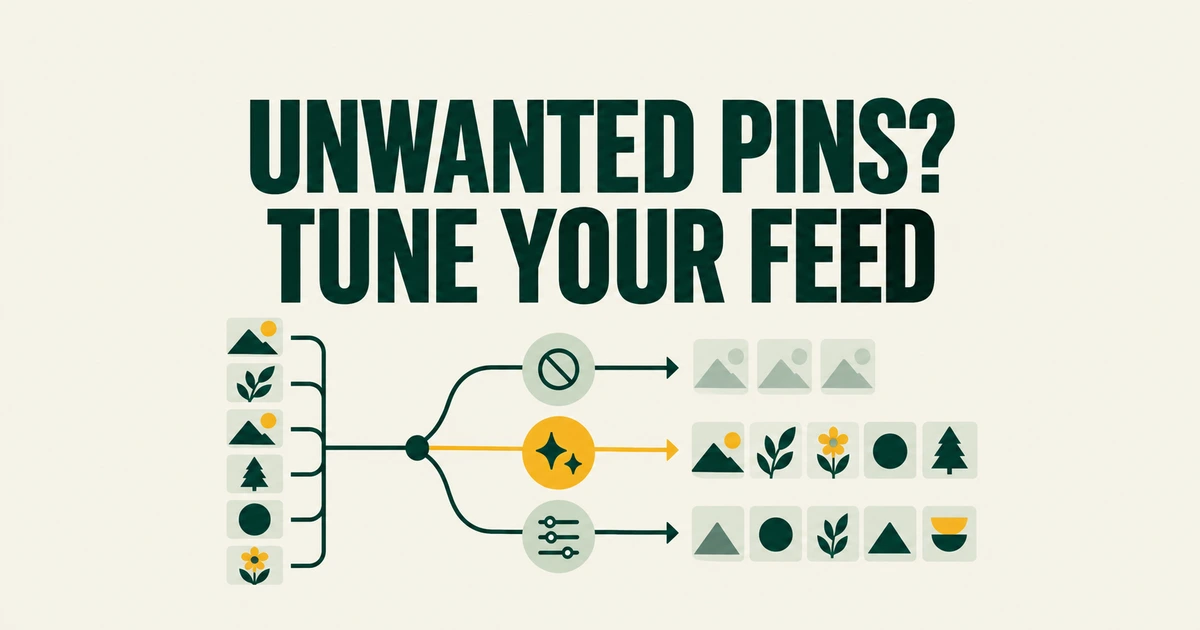
- Use both individual Pin feedback and account recommendation preferences.
- Reducing AI images does not turn off advertising or the recommendation engine.
- Pinterest’s new journey model supplies goal-based notifications.
Start with Activity and AI content
Open Refine your recommendations in Pinterest’s settings. The current help page points to Activity, which lets you disable recommendations based on previously viewed Pins, and AI content, which lets you request fewer generated images by topic or across its listed topics.
A Reddit user looking for the old Board tab described a familiar problem: instructions still mention a control they cannot find. Start with the tabs currently documented rather than assuming that missing an older menu means there are no preferences left.
Tell Pinterest which suggestions you want less of
Open a Pin’s menu and choose See fewer like this, or the corresponding See less option in the app. The menu can also explain why the Pin appeared. If the source itself is no longer useful, you can unfollow the board, topic or account.
This makes two different choices possible: keep following a useful source while rejecting an unwanted suggestion, or stop following the source altogether. Reporting is the separate action for a Pin that violates Pinterest’s community rules.
An unwanted ad has a different setting
Recommendation preferences do not change your home-feed ads. Pinterest’s ad-personalization guide explains that advertisers can provide information about activity outside Pinterest, including website visits and purchases, to help select ads.
Review Settings → Privacy and data → Use of partner info to change that use of outside activity. It does not remove advertising, and the control does not apply to purchases initiated on Pinterest. Choosing fewer generated images and restricting an advertising signal solve different problems.
The new LLM does not explain every feed change
In its October 9 engineering account, Pinterest describes a four-billion-parameter model that reads activity and infers goals for journey-based notifications.
That is a specific notification system, not evidence that every home-feed suggestion or menu change comes from it. For unwanted home-feed Pins, use Pin feedback and recommendation preferences. Adjust advertising signals in the ad settings.