Travel eSIM on iPhone: Can You Still Receive Texts on Your Home Number?
Maps work on your travel eSIM, but your bank sends login codes to your home number. How should the two lines be set up to keep those texts arriving?
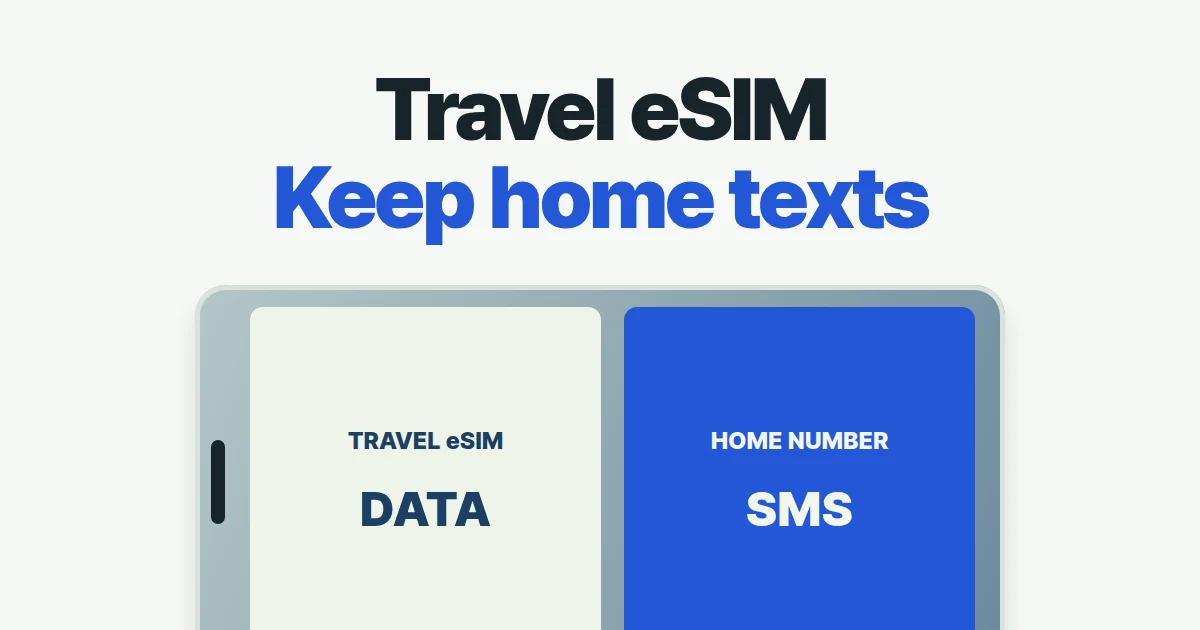
- You can keep your home line available for SMS while a travel eSIM supplies data, provided your home carrier supports receiving messages at your destination.
- Select the travel eSIM for Cellular Data and follow its roaming instructions. When that data line has roaming enabled, MMS is disabled on the voice-only home line; receiving SMS does not establish that MMS will work.
- Your home carrier may still charge for calls or outgoing texts. Before you leave, check what triggers charges, when the travel package’s validity period begins, and whether a deleted eSIM can be restored.
You can use a travel eSIM for data while receiving SMS on your regular number. Your home line must remain enabled and able to receive SMS abroad. The travel plan supplies internet access; your existing number stays with your home carrier, and your bank still uses the number registered on your account.
Your bank may send an SMS code, your family may use WhatsApp, and your hotel may call the number on the booking. A working internet connection covers the family conversation, while the other two depend on the number and service you keep available.
A working chat app does not test SMS delivery
A traveler on Reddit asked whether to disable the home SIM after buying a local eSIM. In a follow-up, the poster clarified that keeping iMessage mattered more than SMS, while roaming costs were a concern. That distinction changes the advice: someone waiting for a bank’s SMS code needs a different check from someone continuing an internet conversation.
| What you need | What to keep available | What a data-only purchase does not provide |
|---|---|---|
| SMS sent to your existing number | Your home line and its supported messaging service abroad | Transfer of that number to the travel plan |
| Internet messaging with an existing account | A working data connection and the app’s account setup | Proof that ordinary SMS is also arriving |
| Calls using a local travel number | A package that includes the required voice service | Voice minutes merely because the package uses an eSIM |
Airalo distinguishes data-only packages from plans including voice and text. A new number on a voice-capable package still is not the number your bank already has. Changing that account detail during a trip is a separate task, potentially requiring the very verification message you are trying to receive.
Apple’s messaging guidance says iMessage uses Wi-Fi or cellular data. Its “Other steps to try” section specifies a cellular network connection for sending SMS, with Wi-Fi Calling providing a Wi-Fi option. That is a sending requirement, not a guarantee that your bank’s code will reach your home number whenever travel data works.
MMS has a separate Dual SIM limitation. Footnote 3 of Apple’s Dual SIM guide says that enabling data roaming on the cellular-data line disables MMS and Visual Voicemail on the voice-only line. If your travel package needs roaming enabled, your home number can remain available for SMS without also providing MMS in that configuration.
Receiving a code and answering a call can have different prices
Check your home carrier’s terms before deciding whether to leave the line on. Ask about incoming SMS, incoming calls, outgoing texts, and any automatic daily pass. Give the carrier your destination and exact plan; “I’m using an eSIM” does not identify which of those services you intend to use.
AT&T International Day Pass illustrates the distinction. In included destinations, received texts do not trigger the daily fee, while using data, talking, or sending a text can. Its guidance also says Wi-Fi calls to destinations other than the United States can trigger that fee. Those are AT&T plan conditions, not universal rules for travelers with other carriers.
Consider a traveler who only needs a login code but then replies by SMS to a text about a delayed flight. That outgoing message can trigger an SMS charge or a daily pass under the home plan. Having maps run through a prepaid travel package does not change the carrier handling that reply.
If you expect to make regular calls, compare the complete trip cost of your home roaming package with travel data plus separate voice charges. If you only need occasional incoming codes, ask whether the carrier can keep incoming SMS available while blocking services you do not want to use. Asking to “block all roaming” could also block the messages you need.
Set the travel line for data and keep the home line for SMS
Rename the lines before configuring them: “Home number” and “Travel data” are easier to recognize than two similar carrier names. Then use the following starting setup for a data-only travel plan. Menu wording can vary by language and iOS version.
- In Settings → Cellular, keep the home line enabled if you need its SMS service. Keep its Data Roaming off unless your carrier has explained a specific requirement and the resulting charges.
- Choose the travel eSIM under Cellular Data. For normal outgoing calls using your existing number, keep the home line as Default Voice Line.
- Open the travel line’s settings and apply that package’s Data Roaming instructions. If it must be enabled, account for the home-line MMS limitation described above.
- Turn Allow Cellular Data Switching off for this arrangement, and expect the limitations during calls described below.
Airalo documents keeping the primary line for calls and texts while its eSIM handles data. It also warns that home-provider requirements can differ. Default Voice Line selects a calling preference; it is not a switch that makes incoming texts free.
Each line has its own Data Roaming setting. Turning it off for your home line controls that carrier’s internet service abroad; the travel line’s setting controls the travel package. Apple’s roaming instructions have Dual SIM users select the number they want to change. Read the line label before changing its setting.
If receiving MMS is essential, tell your home carrier that a separate roaming eSIM supplies cellular data and ask which configuration it supports. A carrier’s instructions for MMS do not by themselves remove Apple’s Dual SIM limitation. Switching the data line or enabling home-line roaming is not a guaranteed repair and may change which plan carries billable data.
There is a usability trade-off. Apple says that with data switching disabled, cellular data will not work during a call on the other, non-data number. Apple also notes that the described automatic switching during calls does not work while data roaming is in use. Enabling the switch is therefore not a universal fix for using maps during every roaming call.
Also check the number shown before placing a call. The iPhone can remember the line last used for a contact instead of using your new default. Check the selected line even when calling a familiar contact, because that choice determines which carrier handles the call.
When does the travel package’s validity period begin?
Before paying, check the exact iPhone model’s eSIM support and carrier lock status. Apple’s travel guidance requires an unlocked iPhone to use another carrier. Under Settings → General → About, look for “No SIM Restrictions” beside Carrier Lock. Regional hardware differences matter; the model’s general product name is not always enough.
Installing at home with a stable internet connection is easier than doing it in an airport queue. Before installing, though, check when the package’s validity period begins. Airalo’s validity policy says some packages begin their validity period on installation, while most begin when the eSIM connects to a supported network in the coverage area. Read the policy for the package you actually bought.
If you install on Friday and depart on Monday, a package whose validity begins on installation will have used up several days before you leave. If a regional package begins its validity period when it connects to a supported network, check whether your connecting airport is within its coverage. Compare the activation condition with your itinerary: a seven-day validity period may begin before you reach your final destination.
Save the order details and connection instructions somewhere you can read them before mobile data works. Include the supported network, any required APN, and the seller’s support contact details. Also confirm whether you bought data alone or a package with a voice number you can use.
What to check when data or SMS is missing
After arrival, briefly disable Wi-Fi and load a webpage with the travel line selected for data. Then inspect the home line separately. Successful browsing tests the travel connection; it says little about the availability of your existing number.
If browsing fails, check the travel line’s enabled state, coverage, remaining allowance, and required roaming setting. Airalo’s installation guide says to enter an APN only when required, using the supplied value; automatically configured settings need no change. For manual network selection, use a network listed for that package.
If the profile does not appear or activation remains incomplete, follow the installation troubleshooting path instead. Apple suggests checking the line, toggling it, restarting, and checking carrier settings. Record the actual error rather than describing every symptom as “no internet.”
If browsing works but SMS does not, check the home line’s status and ask its carrier about receiving messages in that destination. If ordinary texts arrive but one service’s code does not, tell that service that other SMS messages are arriving. Buying more travel data will not fix a problem with that service sending a code to your home number.
Avoid deleting the profile as your first repair attempt. Airalo warns that reinstallation may not be possible, although its app can check recovery options for an already deleted plan. Keeping the profile installed preserves more options while support investigates.
Switch data back to your home line after the trip
When home again, confirm that your regular line is enabled and selected for data, then turn off an unused travel line. Apple describes automatic travel-line switching on return in some countries or regions with iOS 26 and later. If you did not receive that notification, inspect the settings yourself.
Disabling an Airalo eSIM does not pause its validity period. Before deleting it, check whether the same profile has a useful top-up option for another trip.
For your next purchase, retain a short record of what you actually needed: incoming codes, calls, data, and the charges that appeared. A plan that covers your real communication needs is a more useful comparison than the cheapest price per gigabyte alone.