When Can You Remove Prettier After Switching to bun fmt?
bun fmt passes in your terminal, yet saving a file in the editor still calls Prettier. What else depends on Prettier, and how do you check before uninstalling it?
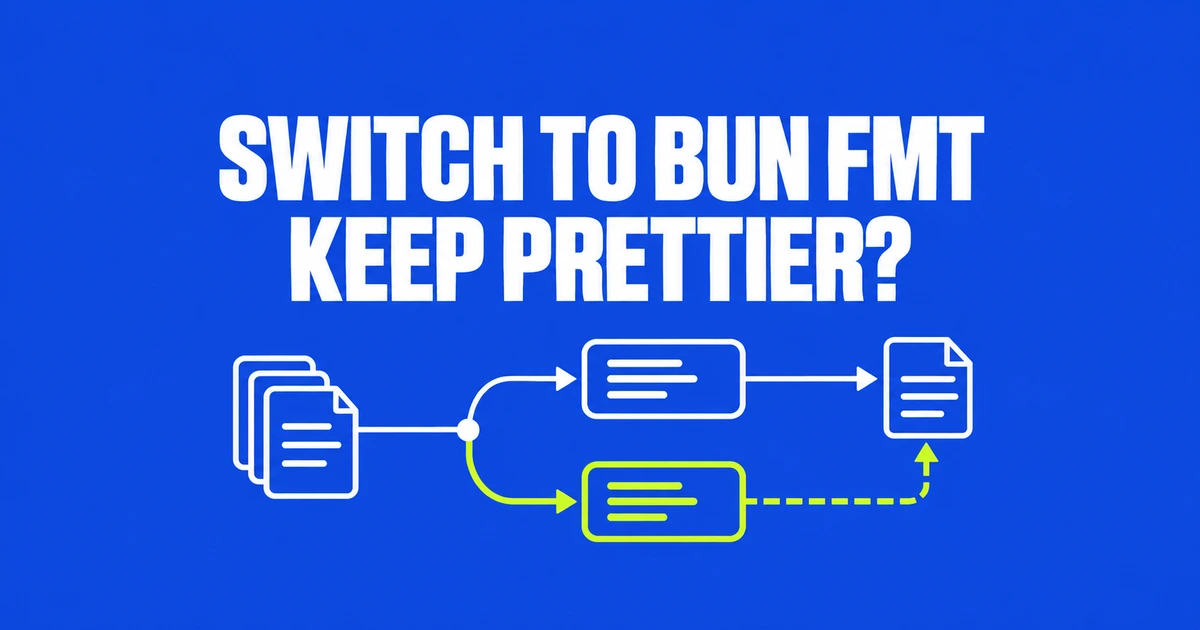
- Bun 1.4.4 reads existing Prettier configuration; that does not make every plugin native.
- Astro delegation and editor integrations can still require a local Prettier installation.
- Inspect routing with doctor, check formatting without writes, then audit the commands used by scripts, CI and editors.
Astro can still be running through Prettier
A successful bun fmt command does not prove that Prettier is removable. For Astro and other languages supplied through plugins, Bun delegates to your installed Prettier. Projects using that route must retain Prettier and the plugins listed in their configuration.
Your editor is another caller. Changing a terminal command does not change what a Prettier extension runs on save. The migration guide explicitly says to retain the package when that integration uses it.
The formatter introduced in Bun 1.4.4 on October 22 can reuse Prettier and oxfmt configuration. That makes configuration migration easier, while dependency removal remains a separate decision.
Inspect routing, then check formatting
Start with two commands that do not rewrite files. The --no-script option selects the built-in formatter even if package.json already defines a script named fmt:
bun fmt --no-script --doctor
bun fmt --no-script --check
Doctor identifies the configuration and files handled natively or delegated to Prettier. It does not audit other tools’ configurations, CI files or Git hooks. Its removable-package advice therefore needs a separate check of those callers.
Check answers a different question: do the matched files need formatting? Exit code 0 means no formatting changes are needed, 1 means some are, and 2 indicates an error. Neither command should be treated as a substitute for the other.
Plugins follow three different routes
| Configuration | What to expect |
|---|---|
| Built-in equivalents, including Tailwind and supported import sorting | Keep the plugin entries and options. Remove packages only after checking other callers. |
| Plugin languages such as Astro | Local Prettier handles them; retain it and the configured plugins. |
| Other unsupported plugins | Affected files are skipped and the command exits with code 2. |
The migration guide lists built-in support. The --allow-unsupported flag permits formatting without the unsupported plugin; it does not add its behavior. A passing command obtained that way may no longer enforce the formatting rule you intended to preserve.
Update the callers before deleting packages
For example, replace the two formatting entries while retaining the rest of your scripts:
{
  "scripts": {
    "format": "bun fmt --no-script",
    "format:check": "bun fmt --no-script --check"
  }
}
Prettier uses --write for in-place changes; bun fmt writes by default. Preserve check mode in CI, and align Git hooks and save-time editor formatting with the intended tool.
A useful migration sequence is diagnosis, checking, command replacement and review of the formatting diff. Then inspect remaining callers before removing dependencies. If Astro delegation or an editor still needs Prettier, keeping it alongside bun fmt is the correct configuration.