chrome.debugger Blocked by Policy? Why an Allowed Site Still Fails
The target site is on the extension's allowlist, yet chrome.debugger still fails to attach with a policy error. Which other enterprise policy is blocking it?
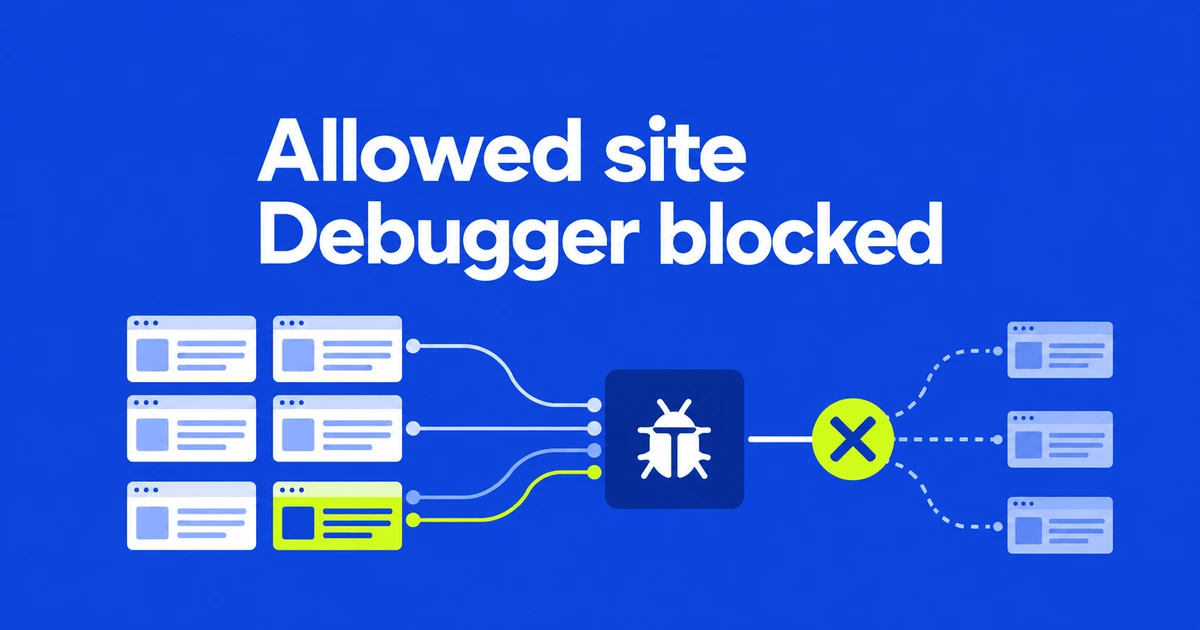
- A nonempty enterprise host blocklist for an extension blocks debugger attachment to all targets.
- Screenshot policy or applicable DLP restrictions can also reject the connection.
- Handle attachment failures and check whether a higher-level extension API can perform the required task.
An allowed origin does not create a debugger exception
For Host access is restricted by policy., checking the target site's allowlist entry is insufficient. The debugger reference says that a nonempty runtime_blocked_hosts list configured for the extension through enterprise ExtensionSettings rejects attachment to every target. Entries in runtime_allowed_hosts do not override it.
This restriction applies to establishing a debugger connection. Chromium's security FAQ explains that debugger access exposes the Chrome DevTools Protocol, whose capabilities can exceed ordinary host-permission restrictions.
The Chrome 155 change, with stable rollout starting October 6, checks the relevant enterprise policies at attachment time. It affects managed browsers with those restrictions, rather than every extension installation.
A screenshot policy can stop a task that never takes screenshots
The two policy errors point to different settings:
| Error | What to investigate |
|---|---|
Host access is restricted by policy. | The extension's enterprise host blocklist, even if the target is explicitly allowed. |
Screenshot capture is restricted by policy. | DisableScreenshots or DLP restrictions affecting capture of the target. |
The screenshot restriction is checked when the debugger connects. An extension therefore needs to handle the second failure even when its own workflow does not request a screenshot.
Only send commands after attachment succeeds
This Promise-based example returns whether attachment succeeded. Implement reportError in the extension's UI and allow subsequent CDP commands only when the result is true.
async function attachForTask(tabId, reportError) {
  try {
    await chrome.debugger.attach({ tabId }, "1.3");
    return true;
  } catch (error) {
    reportError(String(error.message ?? error));
    return false;
  }
}
Callback-based code should inspect chrome.runtime.lastError inside the callback. Preserve the actual error: attachment can fail for reasons other than enterprise policy. Repeated retries without showing the cause leave users unable to distinguish those cases.
Match the API to the task the extension needs
For JavaScript or CSS injection, chrome.scripting may provide the needed capability. It requires the scripting permission plus host access, either declared for the target or temporarily obtained through activeTab.
For rule-based request blocking or modification, consider chrome.declarativeNetRequest. Its declarative model is not a replacement for every CDP network operation.
Send the administrator the browser version, extension ID and error text. That makes the extension-policy review specific. The engineering decision is which capabilities can work within the required restrictions; adding more allowed origins will not create a partial debugger connection.