Chrome Early Hints Not Working? Uncheck Disable Cache
Your server sends a 103 Early Hints response, but the preload never shows up in DevTools. Could your own testing setup be what blocks it?
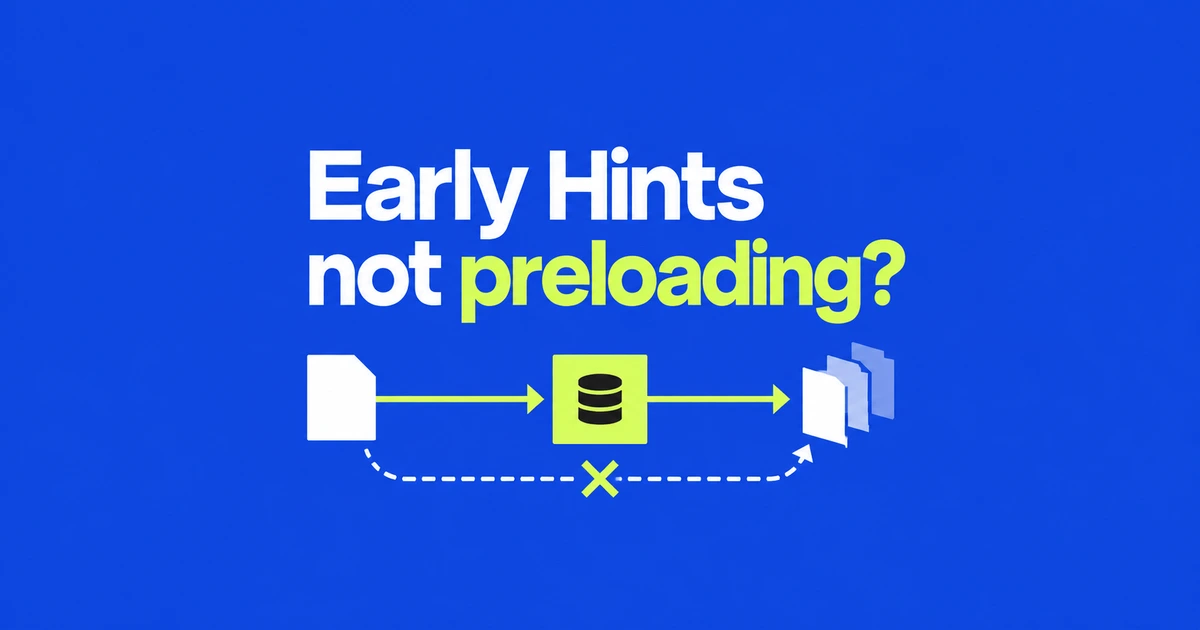
- Receiving a 103 response does not prove that Chrome used its preload hints.
- DevTools now warns when Disable cache causes those preloads to be ignored.
- Clear stored responses if necessary, but leave caching enabled when testing this feature.
The test configuration can suppress the preload
If a 103 response contains preload links but the expected requests do not start early, check Network’s Disable cache option. Chrome ignores those preloads while the option is enabled.
The DevTools update published on October 20 adds a warning in the Early Hints headers section for this condition. Although the article is titled “November 2026,” it describes features in Chrome 155 and 156.
The warning identifies a browser-side testing condition. It does not establish that the server is broken or that every type of preload has failed. Uncheck the option and reload before changing how your server emits hints.
Follow the hint from the document to the resource
Chrome’s Early Hints guide separates the document’s hint headers from the resulting resource request. Use both views:
- Open Network and clear the
Disable cachecheckbox. - Reload, then select the top-level document request.
- In Headers, inspect
Early Hints Headersfor the intended URL andrel=preload. - Find that resource’s request. Look for
Early-hintsin Initiator; the documented example shows(Disk cache)in Size.
A disk-cache entry by itself is not proof of Early Hints use. Match the resource URL and initiator with the hint. Conversely, seeing the 103 headers confirms delivery of the hint, not that Chrome acted on it.
Empty storage and disabled caching are different conditions
If an old cached response is obscuring the test, you can clear it without disabling caching for the next load. The Network reference documents Clear browser cache in the request table’s context menu.
Clearing removes stored responses. Disabling prevents cache use during the test. After clearing, leave Disable cache unchecked and reload to inspect Early Hints. Remember that this is a browser-cache operation, so it can affect cached responses beyond the page being inspected.
Disabling cache remains useful for examining ordinary uncached loading. It changes the conditions for this particular feature, however. Record the checkbox state alongside any timing comparison so another run measures the same behavior.
If it still fails, inspect certificates and cacheability
Chrome’s documented limitations explain that hinted resources are stored in the HTTP cache for the document to retrieve. An uncacheable response can be fetched again. An untrusted HTTPS certificate also disables the HTTP cache, even if you proceed past the browser warning.
Early Hints applies to top-level navigation requests; sending the same headers on an ordinary API request is not an equivalent test. Check hint delivery, browser cache settings and resource cacheability separately. That keeps server troubleshooting tied to what the browser actually received and used.