Chrome unload Stopped Firing: Where to Move Save-on-Exit Code
After the Chrome 155 update, the draft your page saved on close never reaches the server. Where does that save-on-exit code belong now?
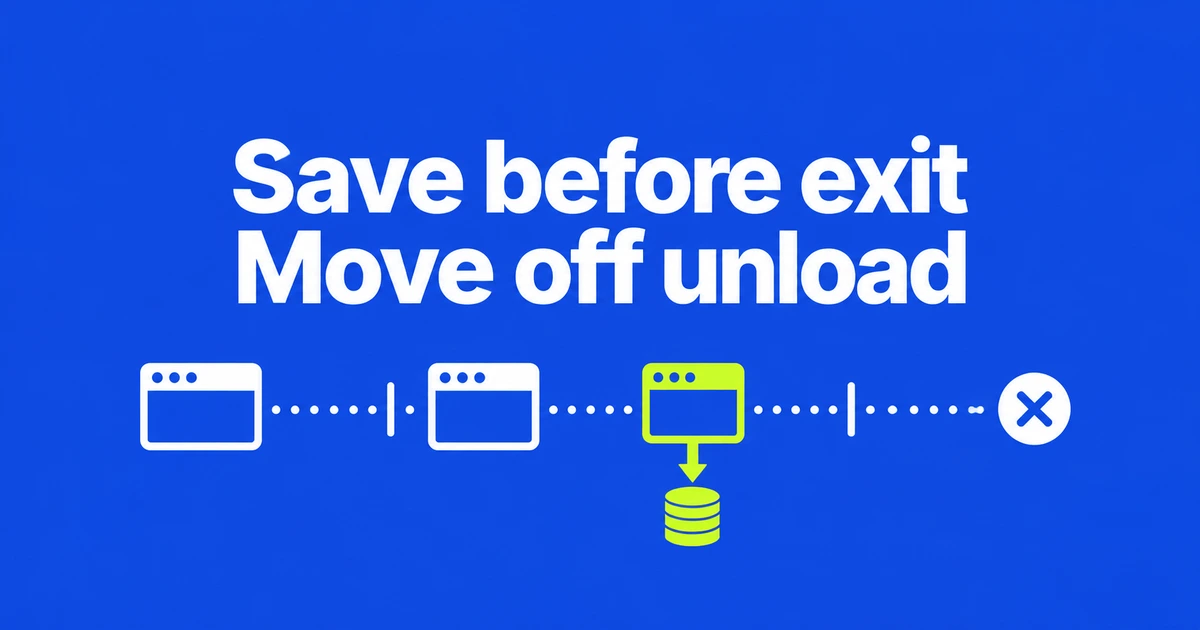
- Chrome 155 no longer runs unload handlers by default, unless an opt-out applies.
- Move saving, cleanup, and unsaved-change warnings to events suited to each job.
- A hidden page may simply be in another tab; it is not proof that the user logged out.
Move the save earlier in the page lifecycle
If closing a Chrome tab no longer runs your save handler, move state persistence to the transition to hidden in visibilitychange. Chrome’s migration guidance identifies that transition as the last reliable opportunity to save app and user state.
The October 16 announcement says the default disabling of unload is complete as of Chrome 155. Permissions Policy and enterprise opt-outs still exist. Chrome on iOS may also fire the event because it uses WebKit. This is a default behavior change, not universal removal across every browser engine.
Separate persistence from cleanup and warnings
Replacing every occurrence of unload with beforeunload still leaves autosave dependent on an unreliable exit event. The right replacement follows the job:
| Job | Event | Condition to handle |
|---|---|---|
| Persist user input or app state | visibilitychange to hidden | The user can switch back to the page. |
| Release resources when navigating away | pagehide | A cached page may later need those resources again. |
| Warn about unsaved edits | beforeunload | Attach the listener only while unsaved changes exist. |
The beforeunload dialog requires prior user interaction and uses browser-controlled text. Remove the listener when the warning is no longer needed. It is not a dependable autosave hook, particularly when a mobile user switches apps and later kills the browser.
pagehide is compatible with the back/forward cache, but also misses some mobile termination paths. Cleanup must account for a page that can return from memory rather than reload from scratch.
Hidden does not mean closed, and queued does not mean saved
Page visibility changes also happen when switching tabs or minimizing a window. Treating that signal as a command to destroy an account session would log people out during ordinary multitasking. Use it as an opportunity to preserve state, not as a definitive departure signal.
For a small analytics payload, sendBeacon provides an asynchronous POST. This example records a hidden-page transition; it requires a server endpoint that accepts the request.
document.addEventListener("visibilitychange", () => {
  if (document.visibilityState === "hidden") {
    navigator.sendBeacon("/analytics", "page_hidden");
  }
});
A true return value means the browser queued the data. It does not acknowledge persistence on your server. MDN points to fetch with keepalive when you need another method or access to the response. Neither choice creates a place to display a successful-save message after the page is gone.
Check libraries and the return journey
Start by finding registrations in your own code and dependencies. Chrome’s detection guidance includes the DevTools Back/forward cache audit and Reporting API options.
After moving each task, exercise tab switching and back-navigation separately. The first catches code that mistakes backgrounding for departure; the second catches cleanup that cannot recover when a cached page returns. The migration is complete when state survives those journeys, rather than depending on one final callback.