WARP Says Connected but Hotspot Traffic Stalls: A Windows MTU Fix
WARP shows Connected on your Windows laptop, but pages hang on a phone hotspot. Is that the bug fixed in beta 2026.9.1555.1, or something else?
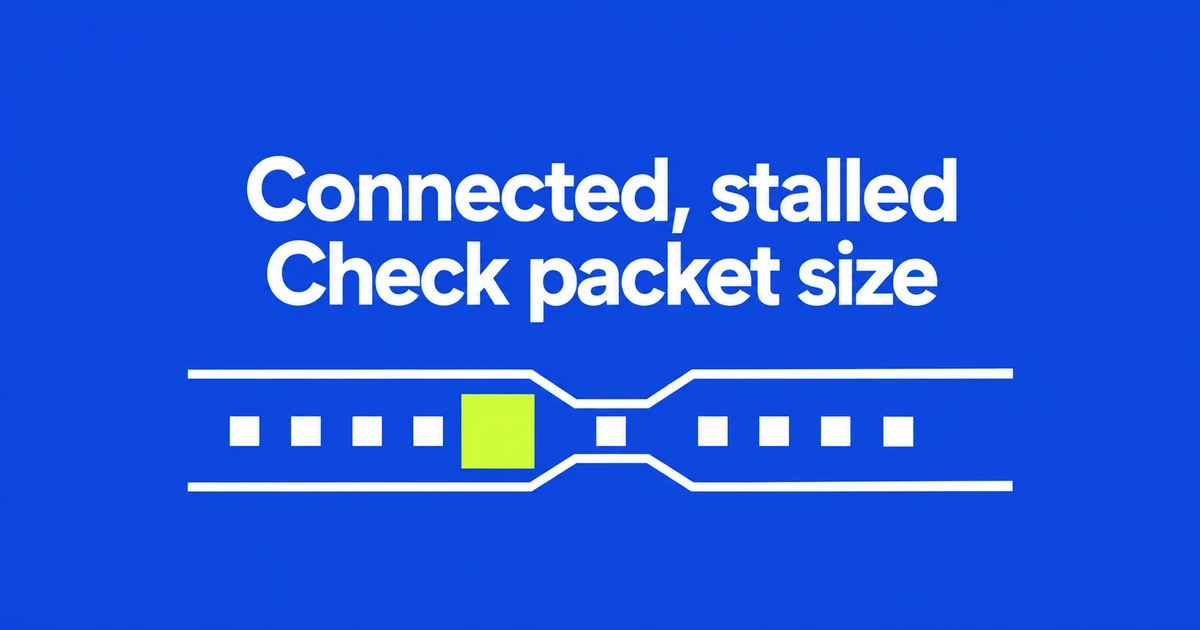
- Windows beta 2026.9.1555.1 fixes a case where detected low tunnel MTUs were ignored.
- The client could show a connection while larger packets were dropped on networks such as mobile hotspots.
- Check the version, MASQUE/PMTUD configuration and diagnostic measurements before attributing a failure to this bug.
A connected tunnel can still drop larger packets
If WARP reports a connection on a Windows laptop but application traffic stalls over a phone hotspot, the latest beta contains a relevant fix. Cloudflare’s October 22 release notice says the client previously ignored discovered tunnel MTUs from 1147 to 1199 bytes, retaining a larger value. Larger packets could consequently be dropped even while the client appeared connected.
The fix is in Windows beta 2026.9.1555.1. Mobile hotspots are an example of an affected network environment in the notice. That makes this a specific diagnosis to investigate, not an explanation for every hotspot failure.
Verify MASQUE and Path MTU Discovery
Path MTU Discovery probes the route to Cloudflare and adjusts the tunnel MTU. Encapsulation adds headers, so the size of the original packet is not the entire cost of sending it through the tunnel.
PMTUD requires MASQUE. It is enabled by default from client version 2026.6.822.0, but a management policy can disable it. In PowerShell or Command Prompt, run warp-cli settings and look for PMTUD enabled: true. On managed devices, check the deployed policy as well.
Record the version and the failed connection
The official troubleshooting workflow starts with the client version and then reviews status, settings and split-tunnel configuration. In the Windows app, open the gear menu and About WARP to record the version.
- Record when the failure occurs, which application fails and its error message.
- Run
warp-diagin PowerShell or Command Prompt while investigating the hotspot connection. - Open the ZIP placed on the Windows desktop and find
PMTUinconnectivity.txt. - Compare the same application over another connection, keeping a record of the version and settings used in both cases.
The diagnostic bundle also provides client configuration and status information. Look at warp-settings.txt and warp-status.txt when checking whether the device actually has the expected configuration.
The beta adds a banner for a degraded or critically low tunnel MTU. That warning concerns packet size along the tunnel’s route. It is not a measurement of the broadband plan’s advertised speed.
Do not compare tunnel MTU directly with path MTU
The release note’s 1147–1199-byte range describes the tunnel MTU. The PMTUD documentation’s 1281-byte minimum describes the network path MTU, including additional overhead. These numbers refer to different layers.
Low-MTU paths retain functional limits. With PMTUD enabled, a path MTU below 1361 bytes disables IPv6 on the tunnel interface; WebRTC performance also degrades below that threshold. A persistent conferencing problem therefore needs more investigation than checking whether ordinary web traffic resumed.
Cloudflare labels this an unstable beta and does not recommend beta releases for production. An administrator can evaluate the fix on a test device that reproduces the issue. The useful starting point is a version, configuration and measured path—not an arbitrary MTU value applied across every device.