Make CSS Underlines Shorter Than the Text With text-decoration-inset
You want the underline a few pixels shorter than the link text, without extra elements or gradients. What happens when that link wraps onto two lines?
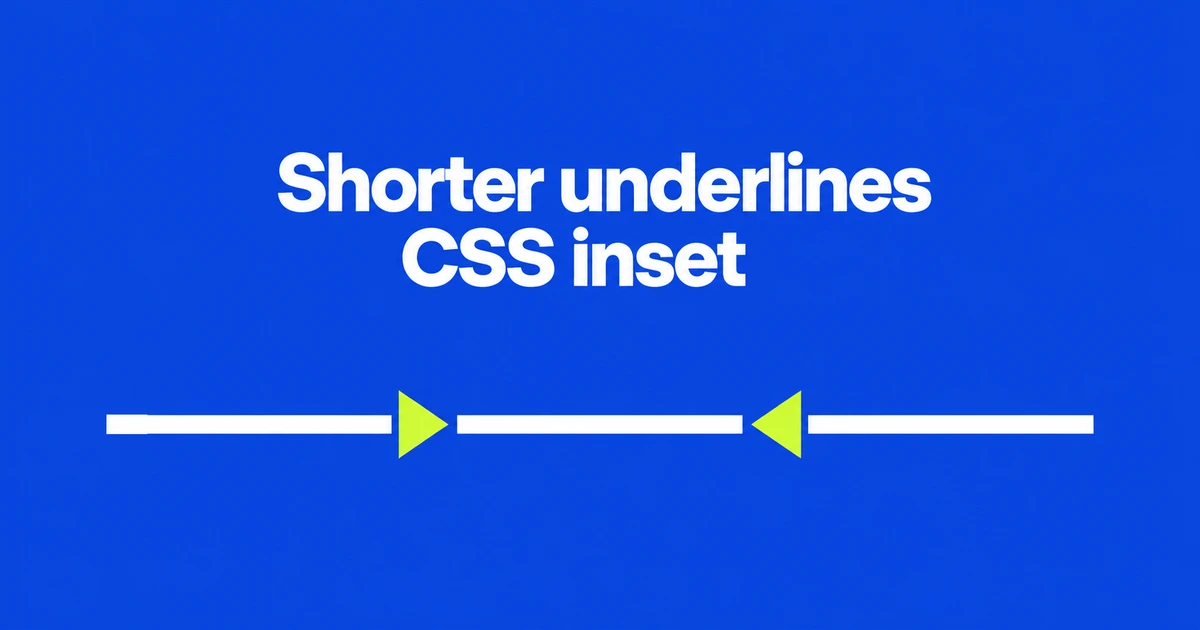
- Chrome 154 supports text-decoration-inset for trimming or extending underline endpoints.
- Inset controls length; thickness controls the stroke; underline-offset controls placement.
- Keep a normal underline as the fallback and test links that wrap across lines.
A positive inset trims the ordinary underline
Use a positive text-decoration-inset value to make an underline shorter without resizing the text. Chrome 154 introduces the property to control decoration endpoints directly. Simple trimming no longer needs a separate element or background gradient in supporting browsers.
Set the ordinary underline first, then add the shorter version as an enhancement:
.article-link {
  text-decoration-line: underline;
  text-decoration-thickness: 0.12em;
  text-underline-offset: 0.15em;
}

@supports (text-decoration-inset: 0.2em) {
  .article-link {
    text-decoration-inset: 0.2em;
  }
}
This trims 0.2em from each end where supported. The outer rule keeps an underline elsewhere. These are decoration settings, not a change to the text size or the link's hit area. Check shorter words before increasing the trim.
One value controls both ends; two values separate them
According to the property's value definition, positive numbers move endpoints inward and negative numbers move them outward.
| Declaration | Result |
|---|---|
text-decoration-inset: 6px | Trim 6px at each end. |
text-decoration-inset: -6px | Extend 6px at each end. |
text-decoration-inset: 0 6px | Keep the start and trim the end. |
text-decoration-inset: 6px -6px | Shift the decoration toward its end. |
The two-value order is start, then end. Treating those as logical edges is more accurate than assuming physical left and right for every writing direction.
Auto serves a different purpose: the browser chooses spacing so adjacent decorations do not look like a single continuous line. It is not equivalent to the initial value of 0.
Use offset to move the underline, and thickness to change its stroke
If the line sits too close to the letters, change text-underline-offset. If it is too thin, change text-decoration-thickness. Neither task is endpoint trimming.
The opening example combines all three controls because they answer different design requests. “Shorter,” “heavier” and “farther from the text” are separate adjustments.
Inset is also separate from the text-decoration shorthand. Apply it to the element responsible for drawing the line: the specification says it does not change decoration lines drawn by an ancestor. Setting inset on a child is not a way to trim the parent's underline.
Leave an ordinary underline and test wrapped text
The @supports rule applies declarations conditionally on browser support. That makes the first example useful when an ordinary underline is an acceptable fallback. A shorter line in Chrome does not establish identical rendering across every browser.
Wrapping adds another choice. Under the specification's default box-decoration-break: slice behavior, trimming applies to the first fragment's start and the last fragment's end. Clone applies adjustment independently to each fragment. Do not assume a long inline link gets the same trim at both ends of every line.
Check a one-line link and the same link wrapped on a narrow screen. For simple refinement, start with a real underline and enhance its endpoints. If every supported browser must display exactly the same short decoration, decide separately whether to retain the existing implementation.