npm Works but Dependabot Cannot Reach Your Mirror? Check the Host Allowlist
A package mirror serves reads without credentials and local npm installs fine, but Dependabot’s log shows a 403. What is Dependabot checking that npm never did?
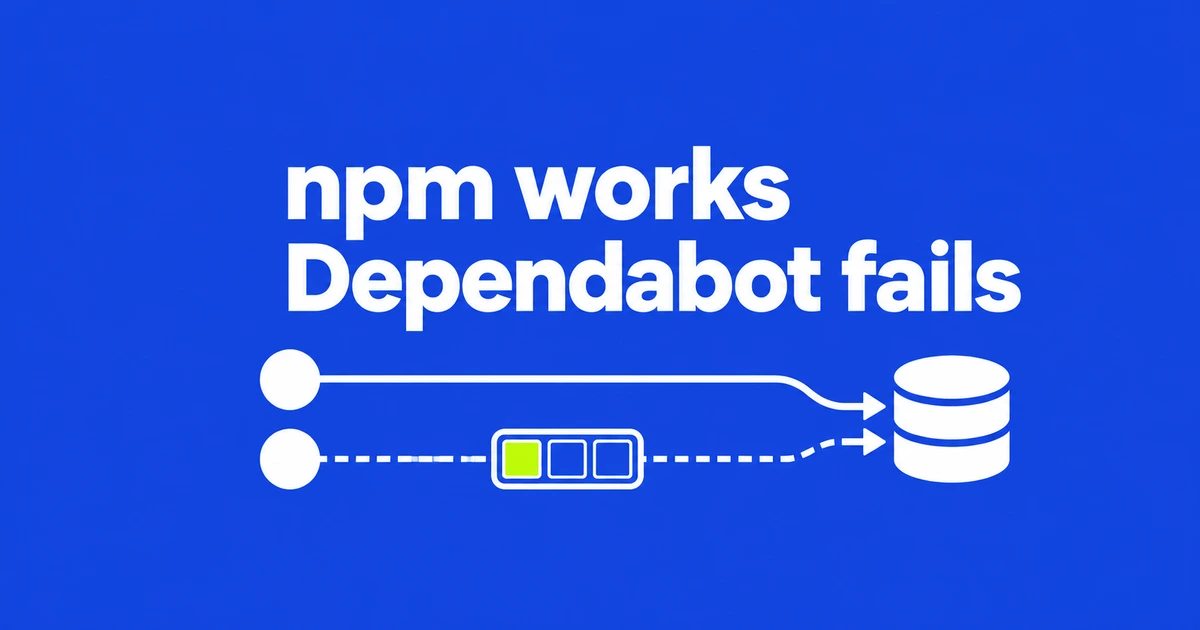
- An egress not allowlisted entry identifies a host blocked by Dependabot's proxy.
- A registry URL in .npmrc alone does not authorize that host.
- Organization registries now support Anonymous authentication for credential-free mirrors.
A proxy rejection can look like an authentication failure
Local npm success does not establish that Dependabot can reach the same server. According to GitHub's blocked-host guide, update jobs use a proxy that rejects unapproved destinations with a 403 response.
Inspect lines beginning with proxy |. The marker egress not allowlisted names the host that failed the check. With that evidence, investigate host configuration before replacing credentials. A bare 403 is insufficient to identify this cause.
.npmrc does not grant network access
The package manager can read a mirror address while Dependabot still refuses the connection. GitHub's registry configuration documentation explicitly separates native files such as .npmrc and nuget.config from the configuration that allows the host.
For a repository-level setup, declare the registry under the top-level registries key in dependabot.yml and reference it from the relevant updates entry. Organization-level registration offers a shared alternative for repositories granted access.
Use Anonymous for a mirror that allows unauthenticated reads
GitHub made Anonymous organization registries generally available on github.com on October 12. The option avoids storing or sending a token. Organization registration also covers repositories using only security updates, without a dependabot.yml file.
An organization owner can follow the registry setup flow:
- Open organization Settings → Secrets and variables → Private registries.
- Choose New private registry and enter its URL and Type.
- Select Anonymous as the authentication method.
- Choose the repositories allowed to use it and save with Add Registry.
An existing entry's authentication method cannot be edited. If you previously supplied a placeholder token, record its settings and repository scope, then recreate the entry with Anonymous. Verify that the intended repository's next update job succeeds.
A second host or a private network needs its own fix
Downloads may redirect to another storage or CDN host. Recheck the exact destination in the proxy log. Organization-specific hosts belong in scoped registry configuration; a broadly useful public download host can be proposed for the shared defaults in dependabot/proxy.
A mirror reachable only inside your network also needs a viable network path. GitHub documents using Dependabot on self-hosted runners for private-network registries. Selecting Anonymous does not create that connectivity.
Identify the blocked host, configure its access at the appropriate scope, then verify the update job. If the registry itself requires authentication, use its actual authentication method rather than treating Anonymous as a way around it.