Docker Compose Watch: Should You Rebuild After Every Code Change?
One changed line gets copied into the container by Compose Watch, and the app keeps serving the old build. When is sync enough, and when do you need a restart or rebuild?
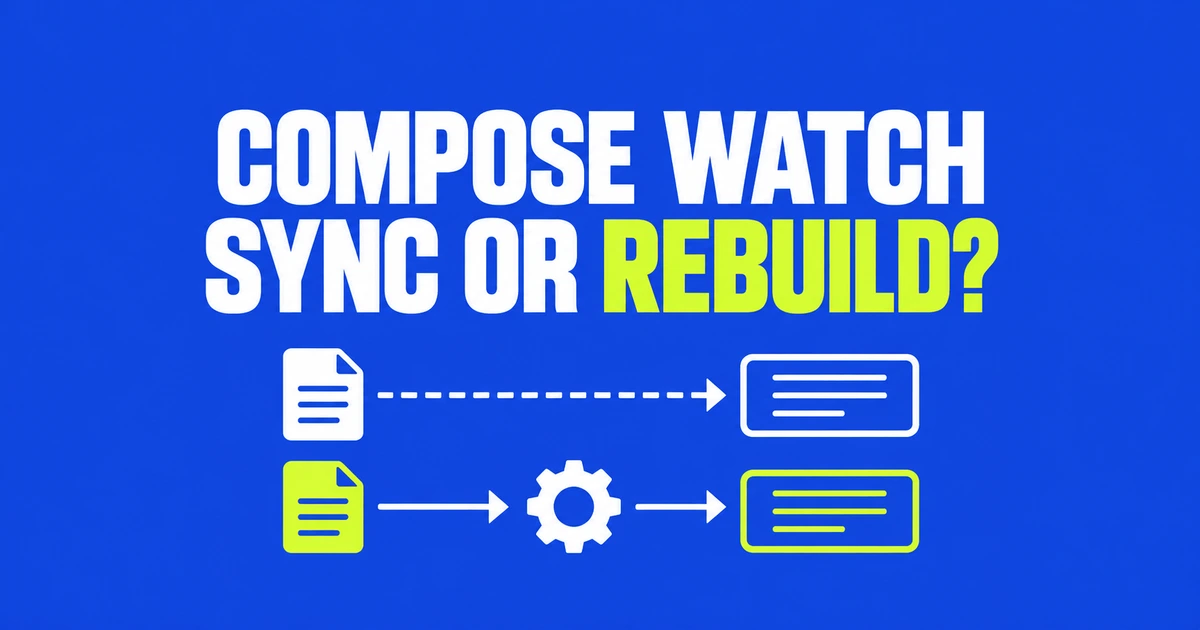
- Hot-reloading development servers can receive source through sync; dependency changes can trigger rebuild.
- Sync keeps the container running. Choose sync+restart when the changed file requires a restart.
- The destination path, write permissions and application command determine whether a copied change becomes visible.
Hot reload can remove the need for a source rebuild
If the application can consume changed source while running, Compose Watch can copy that source with sync. The Develop specification separates copying files, restarting a container and recreating it from a new image.
| Change | Action | Result |
|---|---|---|
| Source consumed by a hot-reloading dev server | sync | Copy files and keep the container running. |
| Configuration read at startup | sync+restart | Copy files, then restart the container. |
| Dependencies or image build inputs | rebuild | Build an image and recreate the service container. |
Source changes may still require an image rebuild when the application runs compiled output baked into its image. The deciding factor is how the app runs, rather than the file extension. Sync does not compile or restart it.
Copy src and rebuild for package changes
This configuration example assumes an existing Dockerfile installs dependencies from package.json and package-lock.json into /app. It also assumes npm run dev starts a hot-reloading development server:
services:
  web:
    build: .
    command: npm run dev
    develop:
      watch:
        - action: sync
          path: ./src
          target: /app/src
          initial_sync: true
        - action: rebuild
          path: ./package.json
        - action: rebuild
          path: ./package-lock.json
This adapts the official Watch pattern, separating source updates from dependency installation. Watching only src keeps root-level node_modules outside the sync rule. When watching the whole project, ignore node_modules: packages can contain native code incompatible with the container’s OS or architecture.
Initial sync brings files into agreement when a new Watch session starts with existing containers. Start the project and watcher with docker compose up --watch. The separate docker compose watch command lets you keep application logs apart from sync and rebuild output.
For a startup-only configuration file, add a sync+restart rule with its host path and container target. That restart does not replace an image rebuild when installed dependencies need to change.
Check file delivery before debugging reload
A copied file and updated application behavior are two different milestones. If source arrives under /app/src but the process runs previously compiled dist output, copying source alone cannot update the running application. Match the action to its build and execution path.
If the file never arrives, check the image prerequisites: stat, mkdir and rmdir must exist, and the container’s USER must be able to write to the target. Paths are relative to the project; ignore patterns are relative to that rule’s path. Check .dockerignore as well.
Watch targets services built from local source. Specifying an external image alone does not turn it into a development environment. Develop requires Compose 2.22.0 or later; sync+restart requires 2.23.0 or later.
Compose 5.6 improves bursts of rebuild requests
Compose 5.6.0, released October 2, includes a fix that coalesces rebuild requests during bursts of file changes. The implementation discussion uses a coding agent editing multiple files as an example. Follow-up work handles in-progress builds made stale by newer changes.
That does not guarantee exactly one build for every burst or supply application hot reload. First separate file delivery, process restart and dependency installation. Then check whether the file arrived and whether the running application consumed it.