DuckDB File Locked? Connect Multiple Applications Through Quack
A DuckDB file is busy with your collector's writes while a dashboard needs the latest rows, and even a read-only connection hits the lock. How do the two apps share one database?
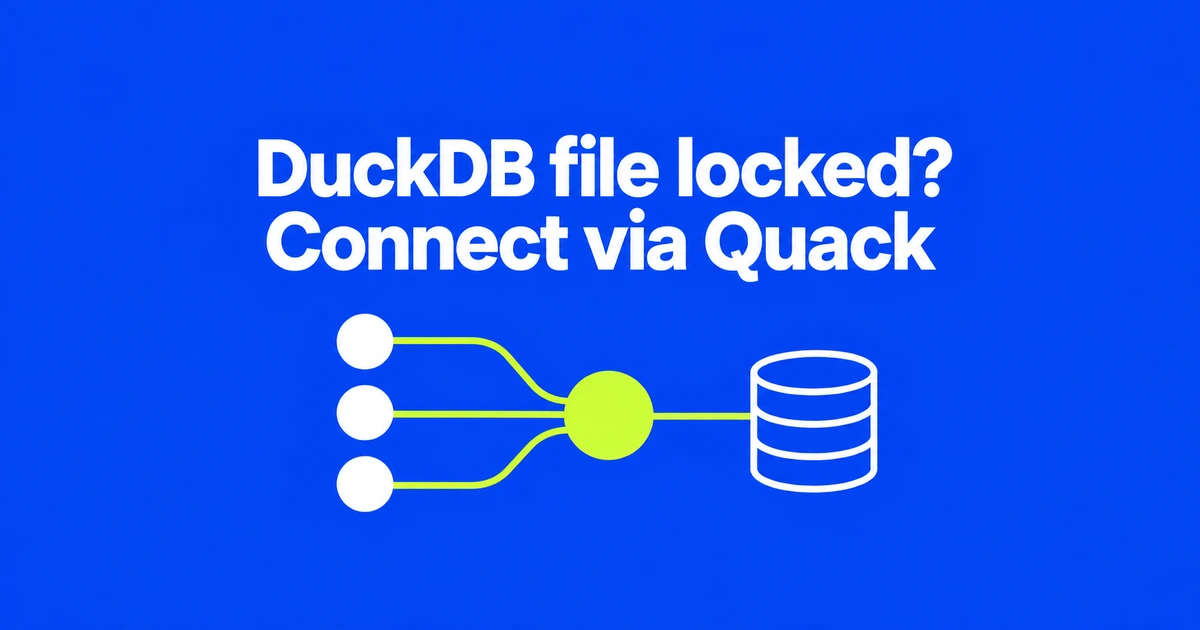
- Use a Quack server when separate applications need to read and write a shared DuckDB database.
- DuckDB 2.0 does not remove the locking rules for processes that open the database file directly.
- Centralizing access does not eliminate transaction conflicts when clients change the same row.
One process owns the file; multiple clients use the database
A data collector and a dashboard can share a writable DuckDB database through a serving DuckDB process. Both applications connect to that process using Quack. DuckDB 2.0, released October 21, improves the protocol introduced in 1.5.3 and adds CONNECT for switching a session to a remote database.
The in-process rules still apply to direct file access: one process can read and write, or multiple processes can open the file read-only while none writes. Giving the dashboard a read-only connection does not let it independently open a file held by a writer.
The migration therefore involves both applications. Point the collector and dashboard at the server rather than giving each the same database path.
Start the serving session, then attach from a separate client
This local example follows the documented Quack connection sequence. Close existing direct connections to the file before opening it in the serving process.
- Open the database in the first terminal with
duckdb shared.duckdb. - Run
INSTALL quack;,LOAD quack;, thenCALL quack_serve();. Keep the returned endpoint andauth_token. - Start
duckdbwithout a database filename in another terminal. Install and load Quack there too. - Attach to the endpoint and switch the client session. Replace the token placeholder with the returned value.
ATTACH 'quack:localhost' AS shared_server
    (TOKEN 'SERVER_RETURNED_TOKEN');
CONNECT shared_server;
SELECT current_database();
Subsequent queries execute remotely. DISCONNECT; returns to the client's local database. To stop serving, use CALL quack_stop('quack:localhost'); in the server session.
If the second application still reports a file-lock problem, check its connection target first. A client on the same machine still connects through the Quack endpoint.
Keep embedded DuckDB when the work stays inside one application
The Quack FAQ identifies shared read-write access and computation near remote data as useful cases. Embedded operation remains supported. A server becomes useful because applications need shared state, not simply because a dataset has grown.
| Workload | Connection model |
|---|---|
| One Python application processes local data | Keep the embedded connection. |
| Several processes read a database that nobody modifies | Direct read-only connections can work. |
| A collector writes while other applications query or modify data | Connect the applications through Quack. |
Two transactions updating or deleting the same row can still conflict under DuckDB's optimistic concurrency control. Treat that separately from a failure to open the database file.
An authentication token is not a read-only role
Quack defaults require a token and bind locally. For remote deployments, DuckDB recommends a TLS-terminating reverse proxy in front of the localhost server.
By default, clients can use the SQL surface and tables visible to the serving session, including writes. Giving a dashboard a token does not restrict it to queries. Read-only services need an appropriate database access mode or authorization policy.
Before switching applications, map each connection to its endpoint and intended permissions. That is the change that makes a shared DuckDB service useful without confusing remote access with direct file sharing.