First WebSocket Message Missing in Firefox’s Network Monitor?
Later WebSocket messages show up in Firefox’s Network Monitor, but the first one after the connection opens is missing. Did your app never get it, or did the tools miss it?
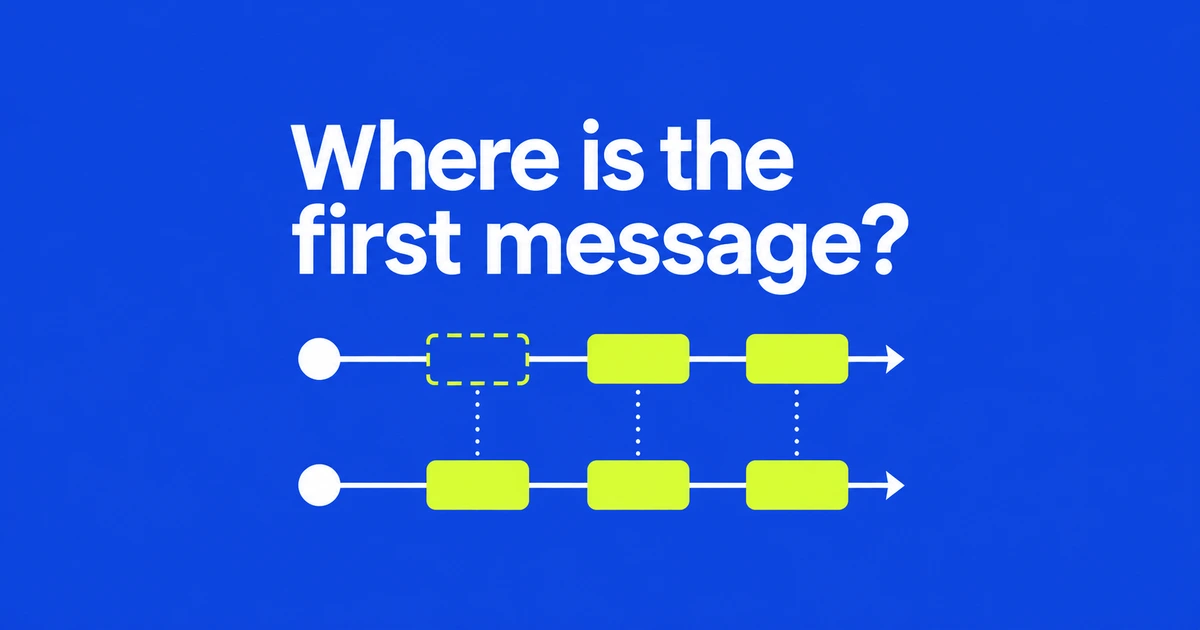
- Firefox 158 fixes a Network Monitor issue involving messages received immediately after a WebSocket connection opens.
- Open the tools before recreating the connection, then inspect the WS request’s Response tab.
- Check recording and filters, and compare the same message with an application receive log.
The inspector could miss a message at connection startup
If the first WebSocket message is absent but later traffic appears, check your Firefox version before changing the server. The Firefox 158 release notes identify a fix for Network Monitor missing messages that arrive immediately after a connection is established.
The stated fix concerns the developer tool’s observation of traffic. An absent row does not, by itself, establish that the server failed to send data or that the application failed to receive it.
In Bug 1719394, the original reporter described a missing initial Identity frame in Rustpad. A developer reproduced the missing first frame. It is a specific reason to question an incomplete startup trace, rather than a general explanation for every WebSocket failure.
Open the tools before starting the connection you want to inspect
The Network Monitor documentation says requests are recorded while the toolbox is open. For an initial-message investigation, open Network first and recreate the connection by reloading the page or using the app’s reconnect action.
The shortcut is Ctrl+Shift+E on Windows and Linux, or Cmd+Option+E on macOS. Select the connection under WS, then open its Response tab to inspect frames.
If the app reconnects several times, the same URL can appear for different connections. Select the request corresponding to the new connection before comparing its first message. Opening the tools after startup is not a way to recover the earlier capture.
All does not include control frames by default
The WebSocket inspector reference documents both text and direction filters, along with a pause/resume control. Clear unwanted filtering and confirm recording is active before interpreting an empty view.
| Traffic you want | View to inspect |
|---|---|
| Application data from the server | Received or All, with the text filter cleared as needed. |
| Messages sent by the browser | Sent or All. |
| Ping, Pong or Close frames | Include the Control filter. |
The default All view excludes control frames. A hidden Ping therefore calls for a different check from a missing initial application message. Identify the frame category before attributing both symptoms to the fixed bug.
Log the receive event on the same socket
The application provides another observation point. A WebSocket message event fires when data is received. In application code, register a listener immediately after creating the existing socket:
socket.addEventListener("message", (event) => {
  console.log("WS received:", event.data);
});
This example observes future events on that socket. Adding it after the first message has passed will not log that earlier event, and opening a second connection is not evidence about the first one.
If the same message appears in the application log but not the inspector, focus first on capture and display conditions. If neither shows it, check the connection identity, server send record and listener registration timing; two missing entries alone do not identify the failing component.
Firefox 158 removes a known gap in that investigation. Recapture startup on a fixed version, then compare the same connection’s first message at both observation points.