GitHub Budget Exceeded but Usage Continues? Check the Stop Setting
The GitHub budget email says 100%, yet Actions keeps running and the charges keep climbing. What actually stops spending at the limit?
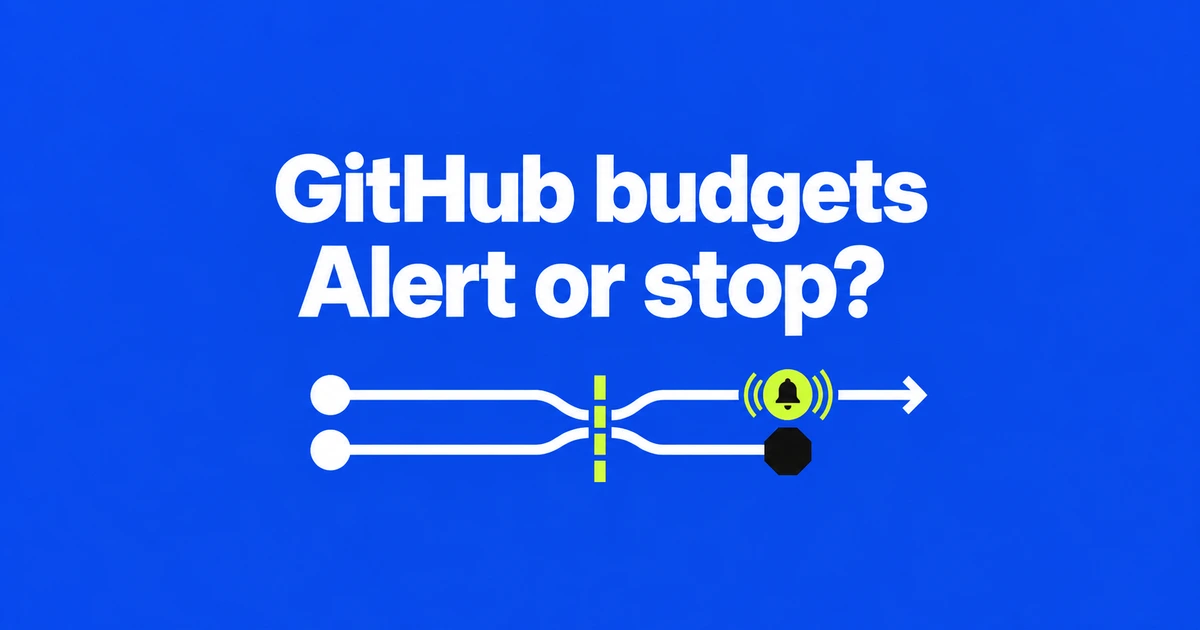
- A dollar budget can remain alerts-only unless its stop-usage option is enabled.
- A new budget excludes earlier usage, so its amount is not necessarily a ceiling on the first month's total bill.
- GitHub's October 13 search and filters make it easier to find budgets by product, scope, SKU, or user.
A budget can notify you while usage continues
Setting a dollar amount is not enough to make every GitHub budget enforce a spending stop. For a supported metered product, check Stop usage when budget limit is reached. Leaving it unchecked allows continued use beyond the budget.
GitHub calls this a soft budget: a way to learn how much a team spends without cutting off paid features. It is useful when uninterrupted work matters more than enforcing that target. If the purpose is to restrict additional spending, the budget needs the applicable stop control. Receiving an email does not establish that blocking is enabled.
Choose what you want the limit to cover
For a personal account, open billing settings, then Budgets and alerts → New budget. Choose the product or SKU, the scope, and the amount before selecting the stop option. Organization and enterprise administrators reach the budget view through their account's Billing & Licensing area.
The type of charge matters. Metered Actions usage and Copilot AI credits can be limited. Budgets for ordinary license charges, including Copilot seats, generally provide alerts without stopping usage. A seat budget and an AI credit budget control different things.
Budget threshold alerts are a separate choice, with notifications at 75%, 90%, and 100% of the amount. Included usage alerts instead report depletion of the plan allowance at 90% and 100%. Check which kind of email arrived before changing a dollar limit.
A new budget does not rewind the month's charges
GitHub starts a newly created budget's calculation from its creation date. Earlier metered use is excluded. Even a budget configured to stop usage can therefore coexist with a larger total bill in its first cycle.
For an illustrative case, suppose $20 of paid usage has already occurred when you create a $10 budget. That new amount does not cancel the $20 or turn the entire month's bill into a $10 maximum. The billing total and the new budget's usage counter can cover different periods.
Before choosing a limit for the rest of the month, inspect the charges already incurred. Treat the remaining spending allowance as a separate decision.
Another applicable limit may have run out first
Usage can also stop while one budget still shows room. Where several budgets cover the same usage, any exhausted budget with blocking enabled can prevent more use. Their balances are not additive.
Copilot user-level budgets always enforce a hard stop. They cover an individual's consumption from both pooled credits and metered usage. Raising an enterprise or cost center limit does not override an exhausted user-level allowance.
The October 13 update makes this easier to inspect: budgets appear in a searchable list with scope, product, and SKU filters, plus user searches for organizations and enterprises. It changes how you find the relevant settings; it is not the introduction of spending stops.
Locate the budgets covering the affected product and account, then read their stop setting, consumption, and creation date together. Decide whether continued use or a firm stop is the intended behavior before editing the amount.