HWP to Markdown with kordoc: How to Preserve Merged Cells
A department heading spans several project rows in your HWP table, and plain text extraction loses which figures belong to it. How does kordoc keep that structure in Markdown?
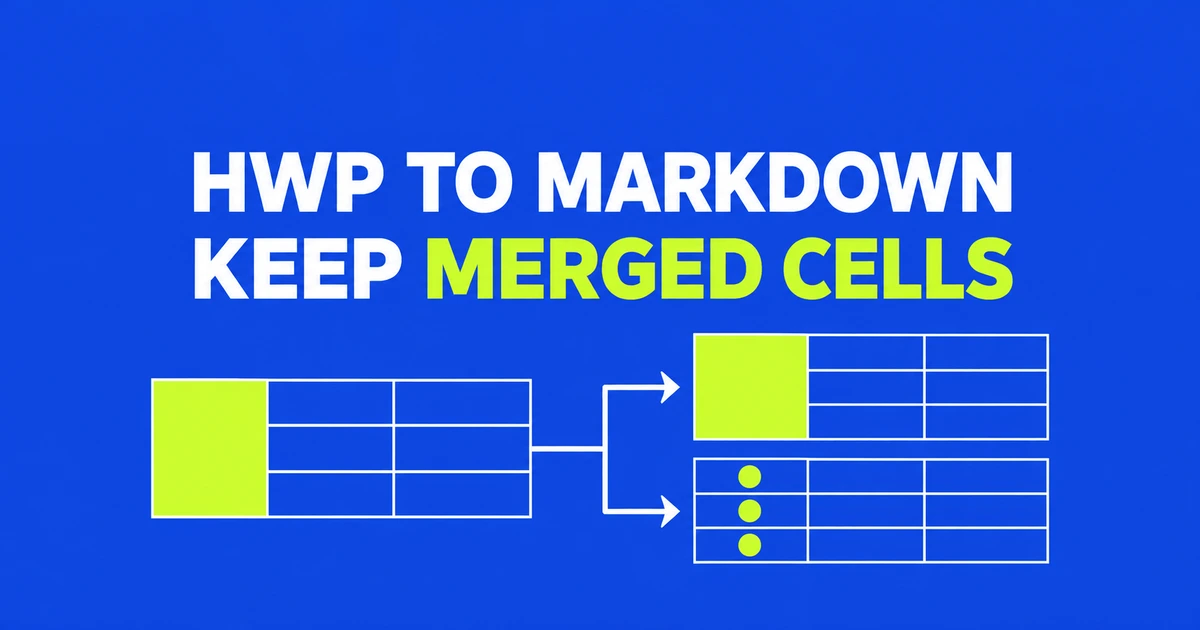
- kordoc converts Korean HWP and HWPX documents into Markdown and structured data, using HTML to represent merged table cells.
- Its GFM option repeats vertically merged values across rows and places horizontally merged values in the starting cell.
- The project's perfect HWPX table-structure result does not describe its scanned-document OCR performance.
Keep HTML when merged-cell relationships matter
Keep embedded HTML when an HWP or HWPX table's merged cells must survive conversion. Extracting the words alone does not preserve which rows a shared heading belongs to: a department label spanning several rows still needs to be associated with the right figures.
kordoc represents merged cells with HTML row and column spans inside Markdown. The --html-tables flag requests HTML for every table. That is useful when the receiving system can preserve the table markup.
The GFM option makes a different tradeoff. It repeats a vertical merge's value in each covered row, keeps a horizontal merge's value in its first cell, and moves nested tables after their parent with relationship markers. This produces pipe tables rather than retaining the original span geometry. The GFM and HTML-table flags cannot be combined.
Markdown, JSON and chunks serve different consumers
The documented CLI requires Node.js 20 or later. These commands select a readable file, a table representation, structured output or retrieval chunks:
npx kordoc report.hwp -o report.md
npx kordoc report.hwpx --html-tables -o report-tables.md
npx kordoc report.hwpx --table-format gfm -o report-gfm.md
npx kordoc report.hwpx --format json
npx kordoc report.pdf --format chunks
JSON exposes blocks, pages and metadata. The chunk format includes heading paths and separate table chunks for retrieval pipelines. An example ingestion check would compare a department heading spanning several project rows: inspect the span in HTML, or inspect how its value is distributed in GFM. The useful representation depends on whether the consumer needs the original relationship or a row-oriented view.
Native document structure and scanned tables have different results
The developer's published evaluation distinguishes structured HWPX input from OCR input:
| Input set | Reported structure matches | Evaluation |
|---|---|---|
| 2,424 HWPX documents | 10,342 of 10,342 tables | Version 4.22.14, October 19, 2026 |
| 53 OCR documents, 102 pages | 25 of 67 tables | Version 4.24.6, October 25, 2026 |
Structural matching also measures something different from cell content or page rendering. A pipeline receiving original HWPX files therefore needs a different acceptance check from one receiving scans. Before sending extracted tables into retrieval, check that merged headings still map to the intended rows and columns.
An offline switch cannot supply missing OCR models
The built-in OCR runs on the local CPU without an API key. Preparing that environment is a separate step. The air-gapped deployment guide requires a bundle built for the destination OS and CPU, with OCR dependencies and cached models included.
KORDOC_OFFLINE=1 blocks kordoc's model-download and webhook requests before they are sent. A missing model remains missing. The guide provides model import and status checks; the optional server detection and handwriting models require separate preparation because the standard model bundle does not include them.
KORDOC_ROOT limits the MCP server's file access. These controls apply to kordoc. They do not make a separate AI client offline when it receives the converted text.
Choose HTML when the consumer needs cell spans, and GFM when it needs rows of values. For scans, first check that the parser identified the right rows, columns and merged regions: changing the output format cannot establish that the table was read correctly.