Stage a New npm Package from CI, Then Approve Its First Release
The new package already has an npm page and a 0.0.0-stage version, but nobody has approved the release. Has the code you uploaded become public?
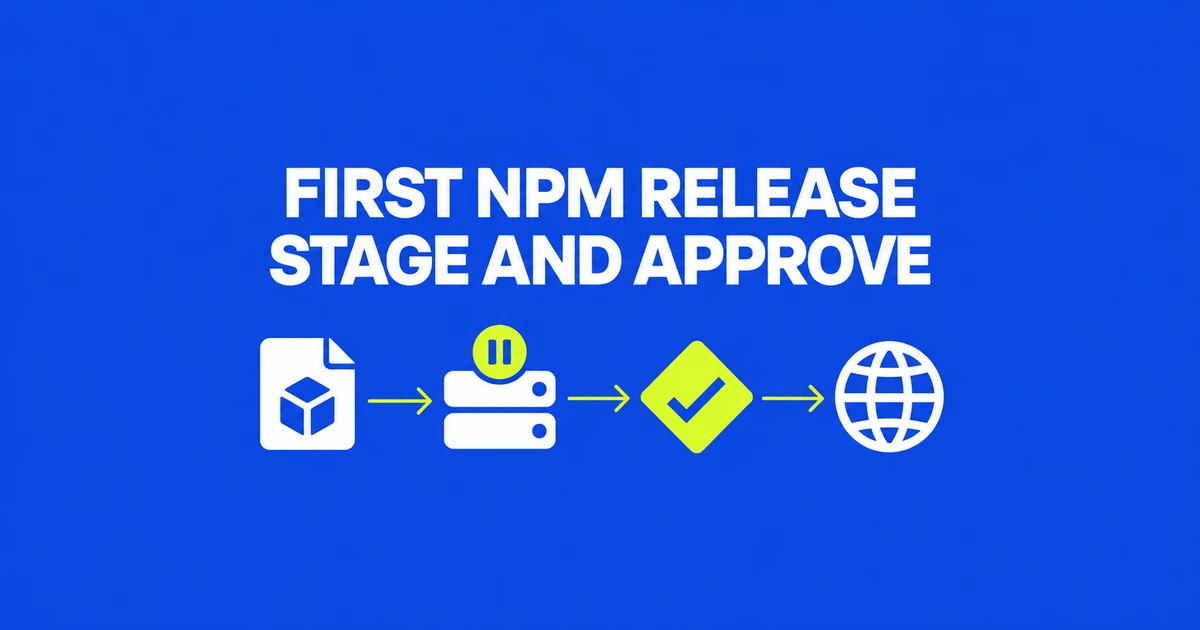
- CI can create a new npm package by staging its first version.
- A new public package’s placeholder is separate from the code awaiting approval.
- To require human release approval, also check whether CI retains direct publishing permission.
The first release can follow the same approval flow
A new library no longer needs a manual first publish to enter npm’s staging workflow. The October 2 update allows npm stage publish to create a package using a local session or granular access token, including a stage-only token.
It covers public scoped and unscoped packages, plus private scoped packages. After creation, maintainers can manage settings and configure Trusted Publishing. That sequence matters: the announcement adds automated package creation through staging; it does not grant an unconfigured OIDC workflow permission to create packages.
A package page is not proof that your release is live
For a new public package, npm creates a 0.0.0-stage placeholder. The staging guide distinguishes that visible placeholder from the staged version and its contents, which remain unavailable to the public until approval.
If your intended release is 1.0.0, seeing the package name does not mean that version has shipped. Equally, staging does not hide the existence of the new public package. Track the release’s approval state rather than treating the package page as the completion signal.
Review the uploaded artifact before approving it
The minimum versions are npm CLI 11.15.0 and Node.js 22.14.0. Maintainers need publishing access and 2FA enabled. Staging itself does not prompt for 2FA; approval does.
For a package intended to be public, run the following from its directory. Replace STAGE_ID with the returned identifier. The final command belongs to the maintainer’s release decision after inspection.
npm stage publish --access public
npm stage list
npm stage view STAGE_ID
npm stage download STAGE_ID

# Run after review, when ready to release
npm stage approve STAGE_ID
The command reference provides download for retrieving the tarball. Alternatively, review and approve it in npmjs.com’s Staged Packages tab. Both approval routes require 2FA.
OIDC authentication and human approval are separate choices
Trusted Publishing authenticates a CI workflow using OIDC. It can submit a staged version for human approval, and new connection settings distinguish staging permission from direct npm publish permission.
If human approval is part of your release policy, check those permissions as well as the CI command. Using staging does not, by itself, close other direct publishing paths.
For private scoped packages, use restricted access rather than the public option above. The "private": true field in package.json prevents publishing altogether, including staging; it is not the setting for publishing a private package. The CLI uses --access restricted for that access level.
Frequently asked questions
Does a successful upload make the staged version installable?
No. A maintainer must approve it. A new public package’s placeholder does not represent the release awaiting approval.
Does OIDC remove the approval step?
Not for a staged release. Direct publishing and staging are separate workflows; staging still requires a maintainer’s 2FA approval.