proto 0.63 Ignores Your Environment Variables? Check Config Trust
After updating proto, Node still resolves to the right version, but your project's environment variables are gone. What is proto holding back, and how do you let it through?
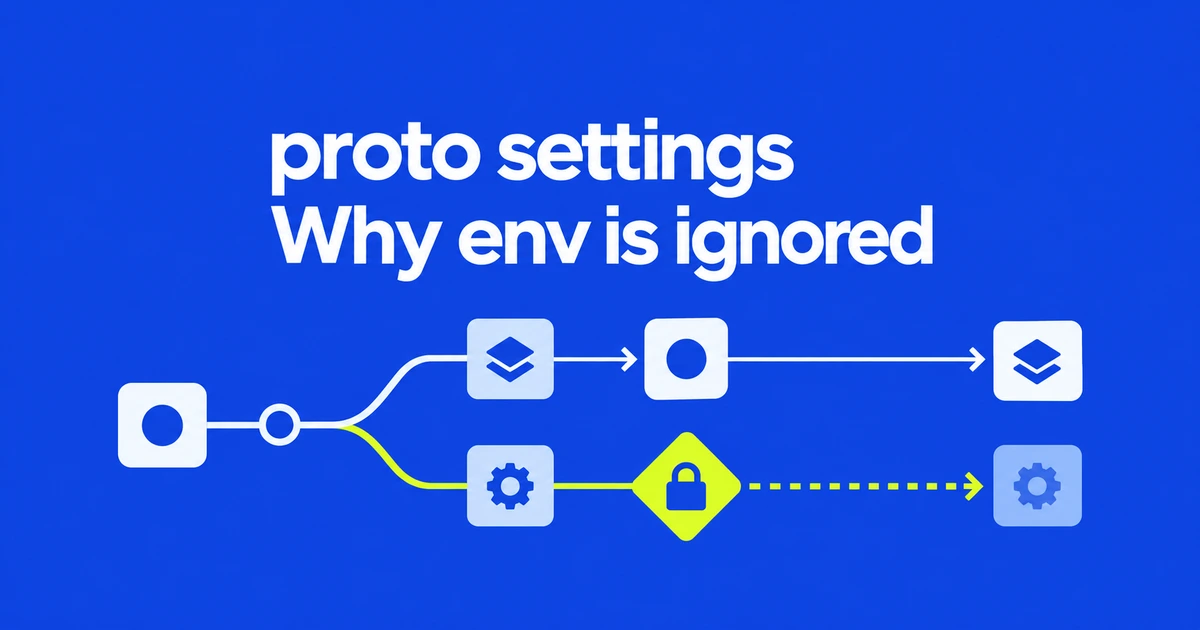
- A .prototools file can apply its built-in version pins while withholding sensitive settings.
- Use status or diagnose to find untrusted configurations, then review the file before trusting it.
- Trust follows a path and survives later edits; directory trust also covers future configurations beneath it.
Partial configuration is deliberate in 0.63
If Node resolves to the expected version but project environment variables disappear after an update, inspect configuration trust. proto 0.63 introduced a boundary between ordinary built-in tool pins and settings that can execute code or change what gets executed.
The configuration reference lists environment variables, shell settings and plugins among the settings withheld from untrusted local files. Built-in version pins remain active. A working Node pin therefore does not prove that the rest of the same file was applied.
This matters because shell activation applies configuration as you enter directories. A newly cloned repository can contain more than harmless version numbers.
Inspect the file before enabling it
The official troubleshooting entry recommends finding untrusted files with either of these commands:
proto status
proto diagnose
Review the reported configuration, including its environment and plugin paths. To trust only the configuration file in the current directory, use:
proto trust ./.prototoolsDo not infer trust from the absence of a fresh shell warning. The activation documentation says an untrusted configuration is warned about only once per shell session.
A directory grants more than a single file
The trust command accepts either scope:
| Command | Scope |
|---|---|
proto trust ./.prototools | The specified configuration file. |
proto trust | The current directory and its subdirectories, including configuration files created later. |
Trust is attached to the path, not a snapshot of its contents. Later edits apply without another trust operation. Review configuration diffs when pulling changes into a trusted repository.
Use proto untrust ./.prototools to remove that registration. A trusted parent directory or another source may still cover the file, so removing one record is not necessarily sufficient to make it untrusted.
CI and an interactive shell have different defaults
CI configurations are automatically trusted, as are the user and global configurations at ~/.prototools and ~/.proto/.prototools. A successful CI run can coexist with withheld settings on a developer's machine.
Do not use a local CI variable to bypass the distinction. Trust the intended scope. If values still differ afterward, check inherited variables: entries in [env] do not overwrite environment variables already supplied by the shell or command line. Separate that precedence issue from an untrusted file before reinstalling tools.