Find Flock Cameras Near You: What Proton’s Map Can Miss
Proton's map shows no Flock camera on your block, but DeFlock's volunteer reports mark one nearby. Which picture of your street is closer to today?
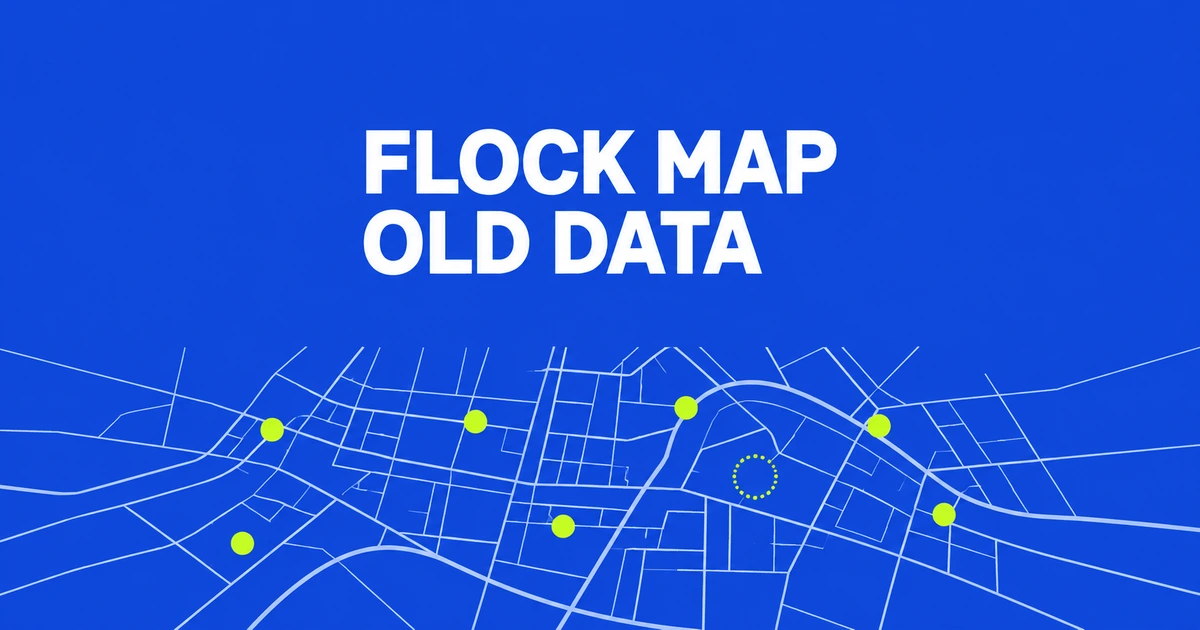
- Use a US ZIP code to locate devices in Proton’s Flock map.
- The inventory dates to December 2025; a blank area does not establish that no camera is there now.
- Local transparency portals answer policy and usage questions that a location map cannot.
Start with a ZIP code—and the inventory date
Enter a US ZIP code in Proton’s Flock map to move to your area and see devices included in its data. You can pan and zoom to inspect nearby neighborhoods.
The critical qualification is in Proton’s FAQ: the inventory is a December 2025 snapshot. Installations and removals after that date are absent. A newly shared map is not necessarily a newly collected inventory.
A missing marker does not establish an empty street
A location with no marker may simply be absent from that dated dataset. Conversely, a marker does not establish that the device still operates today. Neither result provides a live check of the street.
That matters when inspecting a commute. Treating an unmarked section as a route free of recording adds a conclusion the inventory cannot support. Current installation or removal information is needed to answer the present-day question.
Counts need the same care. Proton describes more than 170,000 cameras and over 130,000 other Flock devices in the underlying research. Those categories should not be collapsed into a claim of 300,000 cameras.
Different sources can produce different maps
Proton attributes its inventory to researcher Joshua Michael and distinguishes it from volunteer reports used by maps such as DeFlock. A dated system inventory and a collection of sightings have different ways of acquiring and missing locations.
If two maps disagree, the useful follow-up is when and how each location was recorded. A missing entry, a later installation and a removed device are different explanations. Comparing marker totals alone cannot resolve which applies to your street.
Look up the agency’s transparency portal next
Search your city or county name with Flock transparency portal to look for information from the operator. Flock describes these portals as places to publish policies, usage and access rules. They address how the system is used, rather than just where hardware appears.
For a concrete example, the Coshocton County Sheriff’s Office in Ohio says its portal provides retention periods, usage statistics, camera information and agency-sharing information. Its public search audit includes search times and broad law-enforcement purpose categories.
That office also specifies what the audit leaves out: plates, officer identities, case numbers and detailed investigative information. A public search audit is not a log of every vehicle passing a camera, and a location marker does not let you retrieve your own car’s capture history.
Use the map to identify places to investigate, then use the local operator’s records to understand the system. When the map is blank, the next step is still to look for current local information.