Python Requests and Brotli: Why No Import Does Not Mean No Exposure
A crawler never imports Brotli, but the package sits installed on the same machine. Does that put your service in the path of the vulnerable decoder?
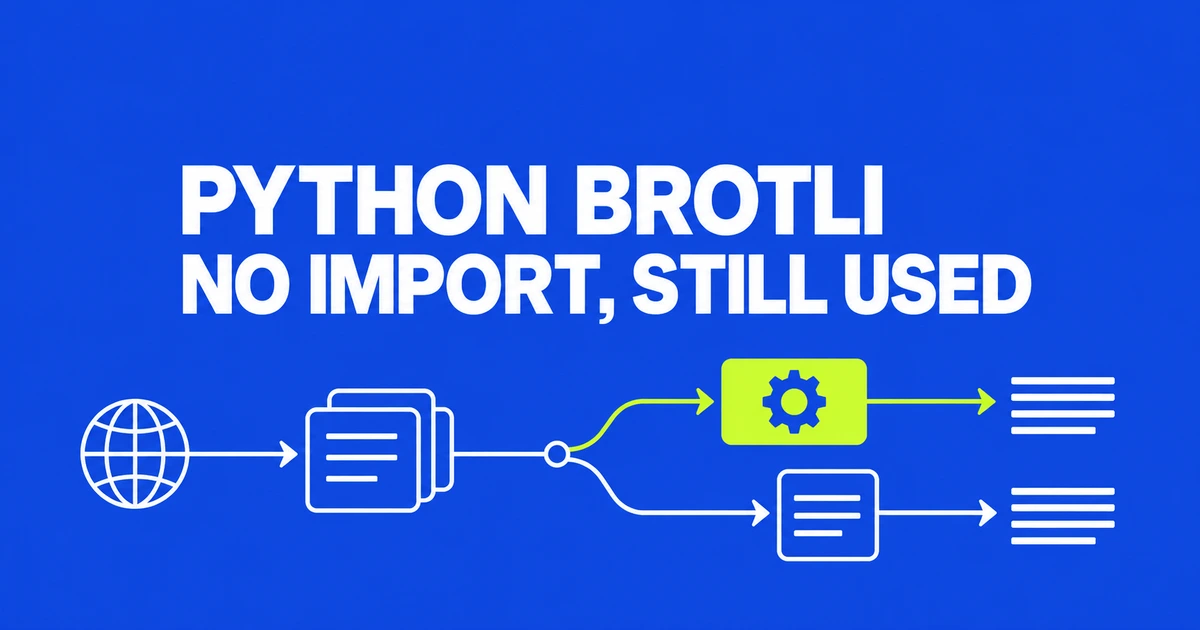
- Requests can use an installed Brotli decoder without your application importing it directly.
- The patched PyPI releases are Brotli 1.2.1 and brotlicffi 1.2.1.0.
- Check the environment that runs the application, then deploy the updated dependency.
A fetch can reach the decoder without an explicit import
Searching application code for import brotli is not enough. The Requests documentation says Brotli responses are decoded automatically when brotli or brotlicffi is installed. A dependency can therefore enable a decoding path your own code never calls by name.
That matters for crawlers, URL previews and other features that consume external responses. CVE-2026-111497 concerns crafted input reaching a vulnerable Brotli decoder, with possible memory disclosure, crashes or arbitrary code execution. The relevant question is where untrusted compressed data is decoded, rather than simply which Python web framework hosts the application.
Patch the decoder dependency
| PyPI package | Affected range in the advisory | Patched release |
|---|---|---|
| Brotli | 1.0.3 or later, below 1.2.1 | 1.2.1 |
| brotlicffi | 1.0.3 or later, below 1.2.1.0 | 1.2.1.0 |
Updating requests alone does not establish that this dependency changed. Check package pins as well. For distribution-managed bindings such as python3-brotli, use the distribution’s security update information; the table describes PyPI packages.
Run pip through the application’s interpreter
pip show reports installed package details. Replace python below with the interpreter used by the service or its virtual environment.
python -m pip show Brotli brotlicffiRead both Version and Location. A clean result in a developer shell says nothing about a separate worker environment or deployed image. For an environment managed with pip, these are example updates for the packages already in use:
python -m pip install --upgrade 'Brotli>=1.2.1'
python -m pip install --upgrade 'brotlicffi>=1.2.1.0'
Use the applicable line; installing both packages is not a requirement. Update the project’s dependency constraints too, so a later deployment does not reinstall the old version.
Replace the running copy and test response handling
The Broccoli2Shell investigation explains why installation is only part of the fix: running processes need restarting, and containers need rebuilding and redeploying with the patched copy.
There is also a compatibility detail in the brotlicffi release notes. Version 1.2.1.0 rejects trailing bytes after a complete Brotli stream, including input previously tolerated by its decompression methods. Include compressed-response handling in deployment checks.
The useful completion criteria are a patched dependency in the deployed environment, a replaced process or image, and working response handling—not merely a successful install in a terminal.