Share a Python Game in the Browser: Pyxel Links vs HTML Export
You export your Pyxel game to HTML with the code and assets inside, and a friend still can’t launch it offline. When is a Web Launcher link the better thing to send?
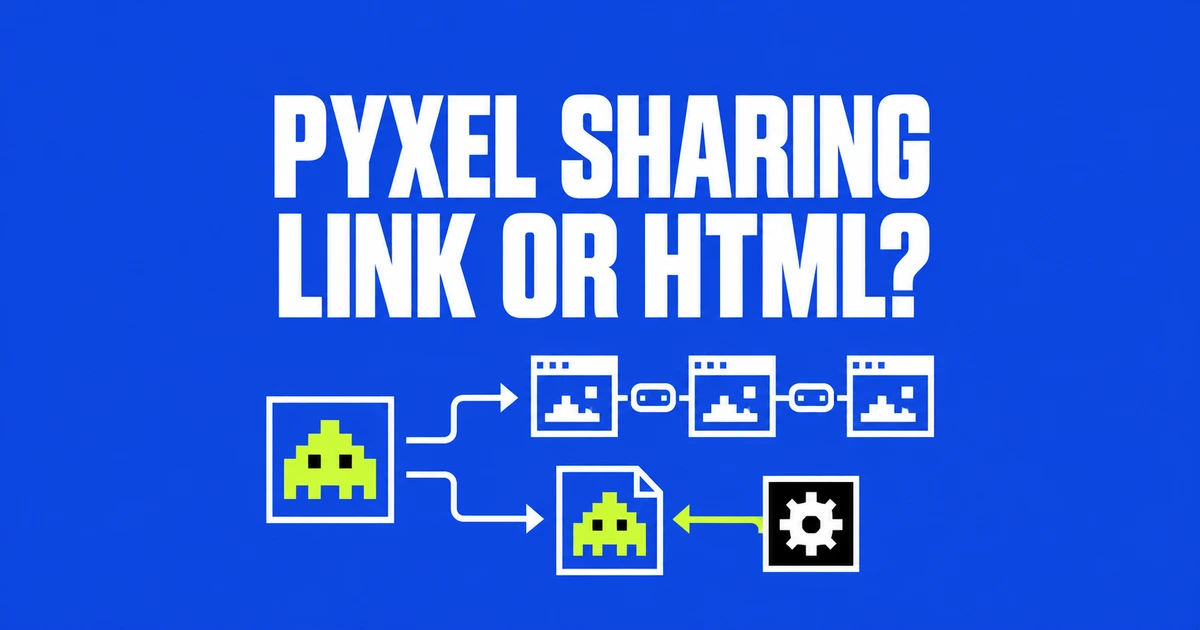
- Share a GitHub-hosted Pyxel game through Web Launcher, or convert a packaged game into HTML.
- Launcher uses the latest engine. HTML export loads the version used for conversion and requires a network connection.
- Bundle the assets with the code, then check controls on the device your player will use.
The choice also determines which engine version runs
A small Python game is easier to share when the player can open a URL instead of setting up Python. Pyxel, the retro engine with built-in art and sound editors, supports that route. Its creator highlighted browser sharing again in an October Show HN post.
For a finished game, two practical options are Web Launcher and HTML export. According to the official web guide, they differ in both packaging and engine selection.
| Route | What you share | Engine used |
|---|---|---|
| Web Launcher | A URL pointing to a Python script or .pyxapp on GitHub | The latest Pyxel |
| app2html | An HTML file containing application code and resources | The version used for conversion, downloaded at runtime |
Launcher is a quick way to share something already in a repository. HTML export is useful when the distributed game should load the engine version you used to convert it. A single HTML file does not make that second route an offline package.
Keep the code, images and audio together
The desktop guide requires Python 3.11 or newer for local development. Players using the web version do not need that installation. Images and audio created in Pyxel Editor are stored in a .pyxres resource file.
To build a distribution package, use the documented command below. Replace the uppercase placeholders with the application directory and startup script path:
pyxel package APP_DIR STARTUP_SCRIPT_FILEThe resulting .pyxapp can be opened with pyxel play or passed to the HTML converter. The web guide also recommends packaging applications made of multiple Python files for faster loading through Launcher's play command.
Place required resources and additional modules inside the application directory. Packaging excludes GIF and ZIP files, hidden files and directories, and __pycache__ directories. Check that required game data is not being excluded.
Use run for scripts and play for packaged games
The Launcher URL Builder creates a link from GitHub file information. These are the official guide's illustrative repository paths, not links to a game published for this article:
https://kitao.dev/pyxel/launcher/?run=taro/my_repo/main/src/scenes/title
https://kitao.dev/pyxel/launcher/?play=taro/my_repo/main/dist/games/shooter
The first identifies title.py; the second identifies shooter.pyxapp. Leave the file extension out of the launch URL. Use the builder for branch names containing slashes or paths with special characters, so the branch and file path remain unambiguous.
Because Launcher follows the latest Pyxel, an old game link can run against a newer engine than the one used during development. Reopen shared games when checking that they still work; repository contents and runtime version are separate parts of the delivery.
One HTML file still downloads a runtime
For HTML distribution, substitute your package filename in:
pyxel app2html your_app.pyxappThe generated file embeds the application code and resources. The official documentation specifies that it then loads the conversion version of Pyxel from kitao.dev at runtime. Publishing one game file simplifies delivery, but an internet connection is still required.
HTML export enables a virtual gamepad by default, displayed on touch devices. With Launcher, add gamepad=enabled to the URL. Check the actual game's inputs on a phone before sending the link to mobile players.
There is also a third publishing route: HTML Custom Elements for embedding a game in your own page. When those elements load external files, local testing needs a web server because browsers restrict direct local-file access. For a straightforward handoff, choose Launcher or HTML export, then check the runtime version, network requirement and controls together.