ReVault Shares Encrypted Archives Without a Shared Password
You email an encrypted archive to a few colleagues and never send a password afterward. How does each of them open it, and what if you later want to cut someone off?
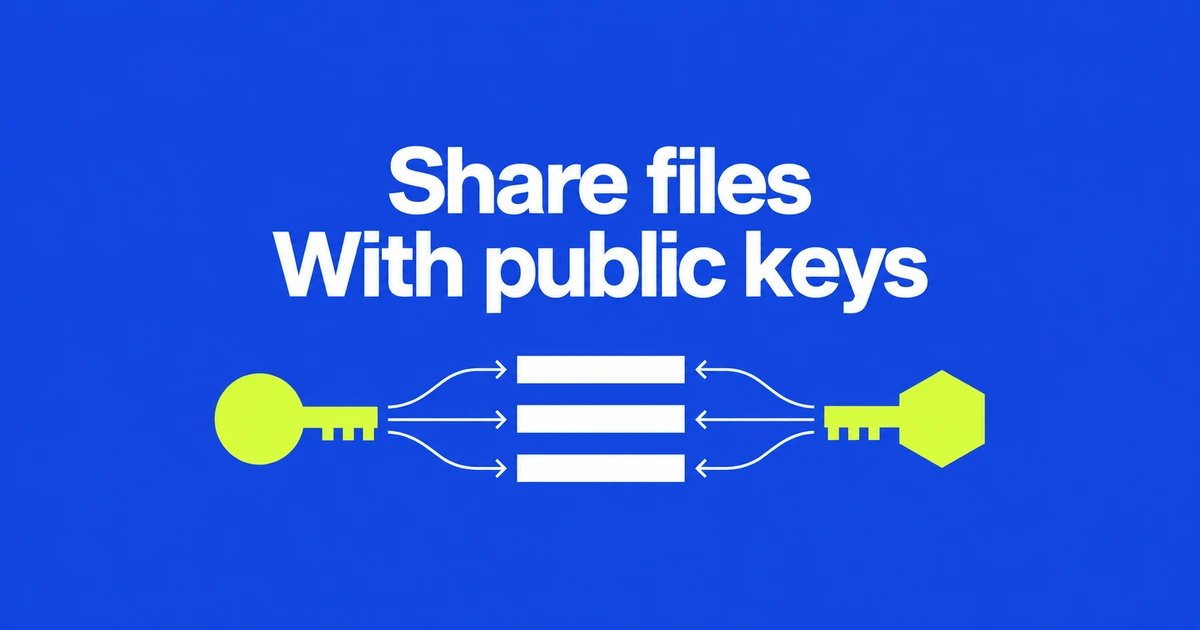
- ReVault can grant recipient keys access to a portable encrypted archive called a Lockbox.
- Obtaining a public key and verifying its owner are separate steps.
- The project is prerelease software, and changing your archive cannot recall copies already sent.
Recipients use their own keys to open the archive
ReVault offers a way to send an encrypted bundle without distributing one shared password. Grant access to a recipient’s public key, and the recipient opens it with their private key. The sender’s private key stays with the sender.
The developer’s October 26 Hacker News introduction seeks feedback on the project and its language bindings. Its portable archive, a Lockbox, uses the .lbox extension and is encrypted, compressed and signed by default.
A Lockbox is the file you copy or send. A Vault holds local profiles, contacts and keys. Sharing a document bundle does not mean handing over your entire key store, and the archive does not require a hosted storage service.
Verify the key, then authorize it for the file
The sharing instructions require independent fingerprint verification before importing a contact’s public key. A fingerprint gives both parties a value to compare; merely receiving a key file does not establish its owner.
- The recipient exports their profile’s public key.
- The sender compares its fingerprint with the recipient through a separate channel, such as a phone call, then imports the verified contact.
- The sender creates a Lockbox for that contact or grants access to an existing one.
- The updated archive is sent to the recipient, who opens it using their own key.
Importing a contact and authorizing a particular archive are distinct operations. The format specification likewise separates the archive’s content key from the key slots through which recipients obtain access.
The key server distributes candidates, not trust
An optional key server helps exchange public keys. A publisher verifies an email address and passes a publish code to the recipient, who uses it to retrieve a candidate key. The developer describes this service as experimental.
The repository documentation explicitly separates that exchange from trust: the fingerprint still needs independent verification, and the server is not a private-key store. Email verification does not replace checking whose key will receive access.
This also separates key exchange from file delivery. The Lockbox can travel through another channel, including an email attachment. Exchanging public-key files directly is another documented route.
Removing access cannot recall an earlier copy
The CLI guide describes key removal as rewriting the current Lockbox state so old key-directory history does not remain an easy route back in. It is more than deleting a contact’s name.
That operation changes the file being edited. It cannot change an older copy already held elsewhere. Treat it as changing access to the updated archive, not as remote document recall.
Release status matters before adoption. The HN introduction calls the project beta, while the repository labels its Rust implementation alpha and says the format and public APIs may change. A trial with disposable files can establish the key-exchange and opening workflow before relying on it for important material. The practical promise is recipient-specific access; its first step is verifying the recipient’s key.