Why getBBox Misses SVG Text Strokes—and Where stroke: true Works
The selection box fits your SVG text exactly, but the thick outline spills past it and gets cut off on export. Which browsers count the stroke when you ask them to?
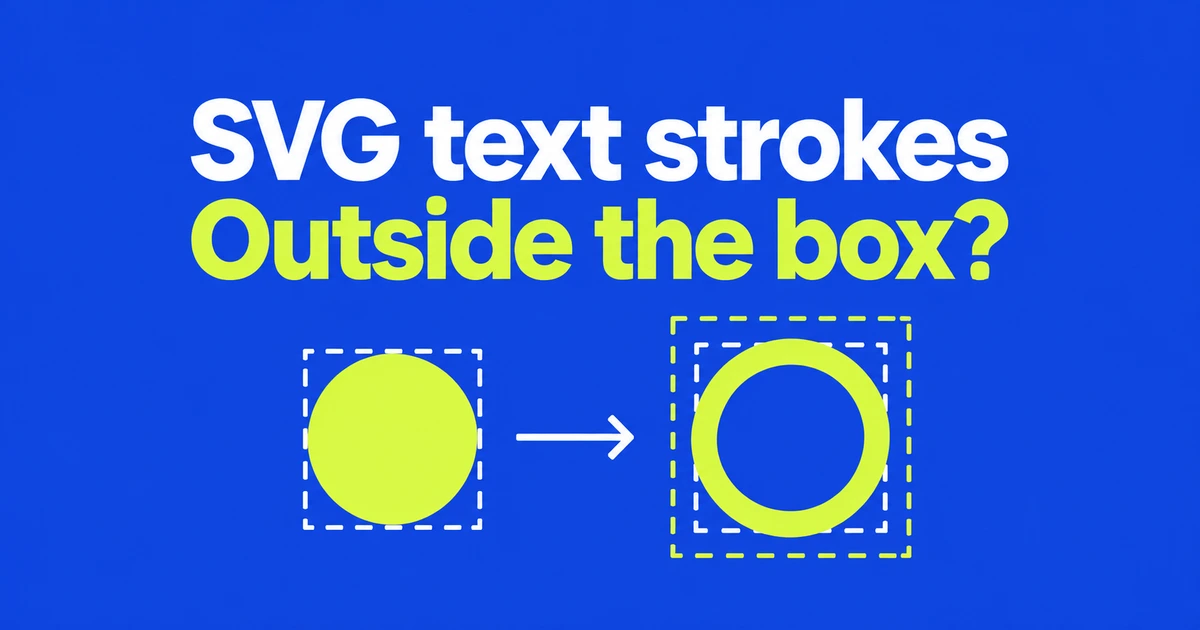
- A plain getBBox() call excludes the stroke.
- Firefox 158 applies the fill and stroke options to tspan and textPath.
- Option support, coordinate systems and pixel-tight cropping are separate checks.
The outline can extend beyond the box you measured
A selection rectangle can fit an SVG label yet leave its thick outline outside. If an editor also uses that rectangle as its export boundary, the outline may be cropped. Check whether the measurement includes the stroke before adding arbitrary padding.
The getBBox options default to fill: true and stroke: false. In an implementation that supports them, request both with getBBox({ fill: true, stroke: true }).
Support for the method does not establish support for its options. As of October 26, 2026, MDN compatibility data lists the options parameter in Firefox from version 155, but not in Chrome or Safari. An unchanged measurement in Chrome is therefore not evidence that the text has no stroke.
Put the measured rectangle in the same coordinate system
This example measures a text span in an SVG without transforms. The span and selection rectangle share coordinates. Run the JavaScript after the elements exist, using Firefox 158 or later for the span’s stroke option.
<svg viewBox="0 0 360 120" xmlns="http://www.w3.org/2000/svg">
  <text x="24" y="72" font-size="44" fill="navy"
        stroke="navy" stroke-width="8">
    <tspan id="label">DIMA</tspan>
  </text>
  <rect id="selection" fill="none" stroke="orange" />
</svg>
const label = document.querySelector("#label");
const selection = document.querySelector("#selection");
const box = label.getBBox({ fill: true, stroke: true });
for (const name of ["x", "y", "width", "height"]) {
selection.setAttribute(name, String(box[name]));
}Drawing this rectangle does not change a separate clipping region or export viewBox. An application that uses the bounds to crop content must also apply them to that boundary in the appropriate coordinates.
Firefox 158 closes the gap for parts of a text element
The Firefox 158 change concerns tspan and textPath. Their getBBox calls now honor fill and stroke, as a call on the whole text element already could.
This matters to an editor that selects individual words or text running along a curve. A whole-label selection and a span selection did not necessarily follow the same options in older Firefox versions. Check the target element as well as the browser version.
A cross-browser editor still needs an alternative measurement path where the options are unavailable. The compatibility change does not supply a universal fallback, and uniform padding is not an exact substitute for every outline shape.
A viewport rectangle answers a different question
Use the coordinate system that matches the element you are positioning. getBoundingClientRect reports viewport-relative geometry, with position values affected by scrolling. Its numbers cannot simply replace SVG user coordinates in an internal rectangle.
There is also a limit to what “tight” means for text. SVG 2 defines text bounds using full glyph cells, rather than scanning only the pixels occupied by ink. Space around the visible letter shape does not by itself prove a bad measurement.
For missing outlines, check stroke inclusion and implementation support. For displaced overlays, check coordinates. For pixel-tight image crops, decide whether a glyph-based geometric box is the measurement the export process actually needs.