Reverse SVG Text on a Curve with textPath side="right"
With side="right" on a circular badge, the lettering lands on the side you didn’t expect. What actually decides which way the text runs?
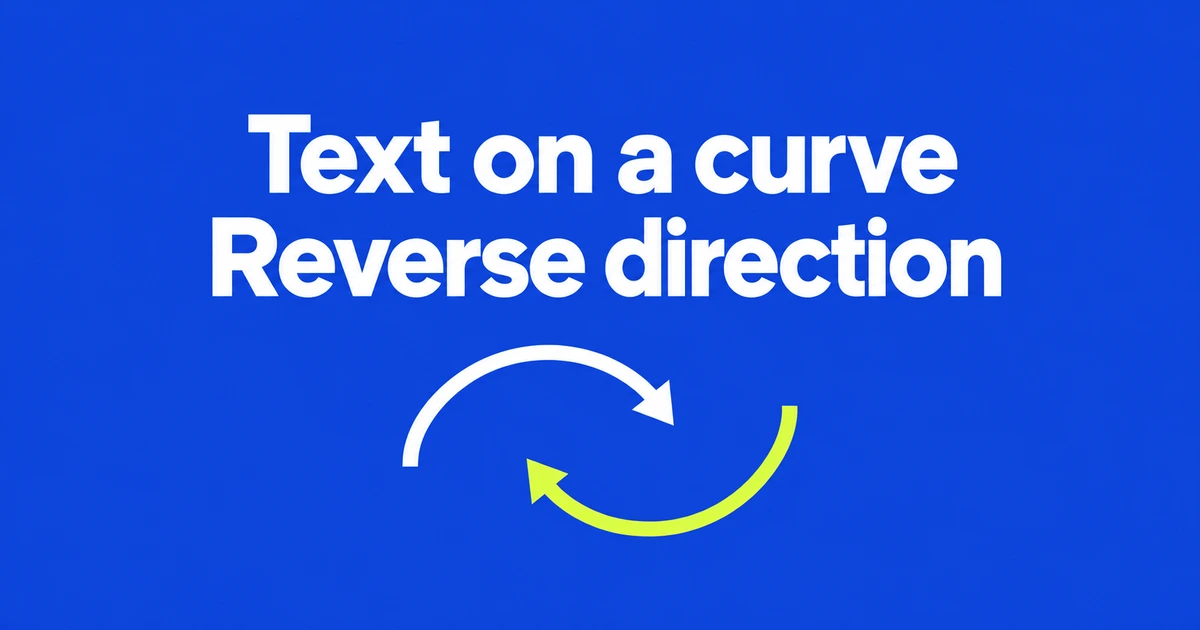
- side="right" reverses the path used for text layout without rewriting its data.
- startOffset selects a position along the path; text-anchor aligns the string around it.
- Basic textPath compatibility does not establish support for side.
Use side to change which way the text follows the curve
For a label on the other side of an SVG curve, try the textPath side attribute. Its default is left; right reverses the path direction for text layout.
These are sides relative to the path’s direction, not fixed sides of the screen. The SVG 2 layout algorithm reverses the layout path when side is right. You do not need to rewrite the original d string to request that behavior.
This is not an automatic “keep letters upright” switch. Reversing the path also changes how the text follows its tangents, so the original direction and shape still matter.
Keep the path and change the attribute
This small example places a label around the midpoint of a curve. Switch between side="left" and side="right" to compare the two directions while keeping the geometry:
<svg viewBox="0 0 320 180" xmlns="http://www.w3.org/2000/svg">
  <path id="curve" d="M 30 100 Q 160 20 290 100"
        fill="none" stroke="silver" />
  <text font-size="20" text-anchor="middle">
    <textPath href="#curve" startOffset="50%" side="right">
      Curve label
    </textPath>
  </text>
</svg>
startOffset="50%" selects halfway along the path’s length. text-anchor="middle" puts the string’s midpoint at that position. This is centering along the path, not centering within the SVG’s viewport.
Separate direction, position and alignment
A label starting in the wrong place needs a different adjustment from one following the wrong direction. Changing side to fix an offset can change more than you intended.
| Goal | Control | Meaning |
|---|---|---|
| Change sides | side | Left or right relative to path direction. |
| Move the reference position | startOffset | Distance or percentage along the path. |
| Align the string there | text-anchor | Start, middle or end alignment. |
For a circular badge, do not memorize right as always meaning outside. Work from the direction of the particular path, then choose the offset and alignment.
Safari’s new support is in Technology Preview
Safari Technology Preview 255, released October 22, adds the attribute. That establishes preview support, not availability in every stable Safari installation. MDN labels side experimental and of limited availability.
The textPath element has broader support than all its individual attributes. Check side specifically for the browsers your design must serve. A separately reversed path remains an option when you need the layout in environments without the attribute.
Choose direction first, set position and alignment second, and verify the result in the browsers that will display it.