ThinkRail vs. pi: How Workspaces, Code Review and Project Memory Differ
You run a feature and a bug fix as two chats in ThinkRail, and both start editing the same files. Where does a workspace draw the line, and what does it add on top of pi?
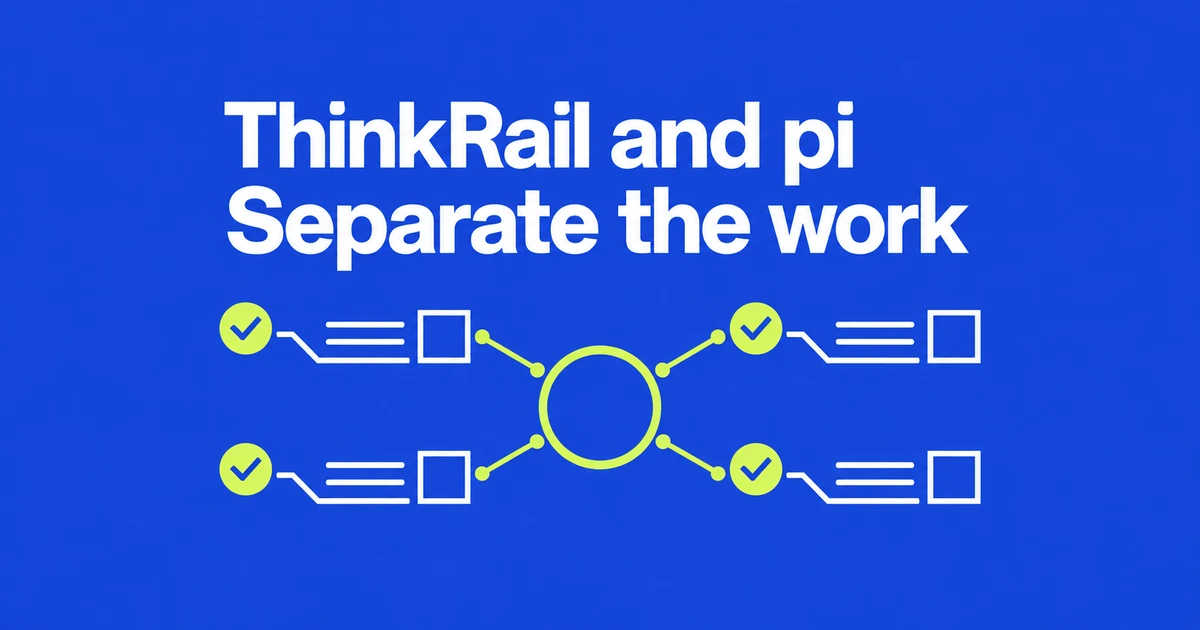
- ThinkRail adds a visual workbench around pi rather than replacing its agent engine.
- Workspaces separate working copies; multiple chats within one workspace share that workspace.
- Persistent project knowledge lives in maintained spec files alongside the code.
Separate workspaces for separate changes
ThinkRail gives pi users a place to manage concurrent work, inspect changes and carry decisions forward. Creating a workspace creates a Git worktree with its own branch and directory. A feature and a bug fix can therefore have separate working copies.
The product specification also allows several chats inside one workspace. Those chats do not each receive a new working directory. If two tasks should keep their file edits apart, put them in different workspaces. Working directly in the original project folder is an explicit alternative.
Git worktrees remain attached to the same repository and share repository data. They separate checked-out files, not operating-system permissions. That distinction matters when interpreting the product's isolation language.
Project memory is a set of maintained files
A connected set of SPEC.md files records project intent beside the implementation. The agent can search, read and maintain those files through spec_* tools; the Specs view presents their relationships as a tree.
For example, changing a checkout requirement can mean updating its spec together with the code. This gives a later session something concrete to consult and makes the spec change part of the review. The persistence comes from maintained project files rather than retraining the model.
Review changes without abandoning pi
Comments anchored to files and diffs can be collected and sent to a chat as structured context. That makes a review about the affected lines instead of another pasted explanation. A worktree can also open in an installed IDE.
Portable Agent Skills are read in place, and pi remains responsible for models and session state. However, the compatibility document describes host adaptations for areas including MCP configuration and packaged execution. Keeping pi as the engine does not establish identical behavior for every terminal extension.
Choose it for the workflow around the agent
The installation guide offers desktop packages and a CLI that opens the browser interface. Git and a connected model provider are required; authentication can use JetBrains AI or pi's provider credentials.
Apple Silicon Macs, Windows x64 and Linux x64/ARM64 have desktop distributions. Intel Macs have neither a desktop build nor a prebuilt CLI; the documented CLI route is a source build. Linux desktop packages require glibc 2.38 or later and the listed GUI libraries.
The practical reason to try ThinkRail is less time reconstructing edits and decisions around pi. Assess its workspace, review and spec workflow against your existing process, rather than expecting a new model from a new interface.