Open a Page from a Web Notification: navigate or a Click Handler?
You added a navigate URL so the notification opens the conversation, and now the message no longer gets marked as read. Why did the click handler stop running?
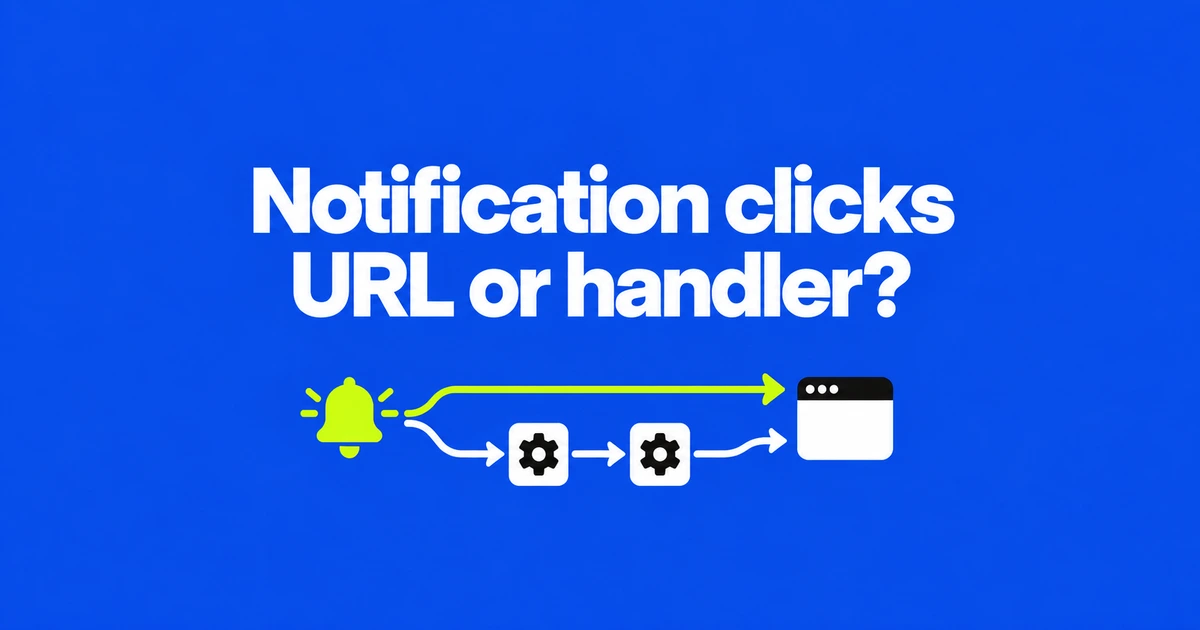
- A notification's navigate option supplies the URL that supporting browsers open on activation.
- That route bypasses notificationclick, including application logic inside your existing handler.
- Keep an event-based path for unsupported browsers and for clicks that require custom behavior.
Declare a URL when opening a page is the entire action
For a notification that should open a message or order page, showNotification() can accept a navigate option. Firefox 158 added support on October 13. Supporting browsers can handle that navigation without a separate click listener.
As MDN explains, the notification's read-only navigate property exposes the resolved destination URL. Setting navigate: "/messages/42" when creating a notification makes that message page its destination.
This only defines what happens after activation. It does not grant notification permission or create a push subscription. Request permission from a user gesture and use the service-worker notification path when targeting mobile browsers.
Your existing notificationclick handler will be bypassed
The Notifications standard directs the browser to navigate and return when an activation has a navigation URL. It does not continue to the step that dispatches notificationclick.
That matters if your current handler records a click or marks a message as read. Adding navigate to the same notification does not preserve those operations. Omit the navigation option when application code must handle the activation.
The standard also leaves the choice between navigating an existing window and creating a new one to the browser. A destination URL alone does not promise reuse of a particular tab or installed PWA window.
Use the same destination in both paths
The MDN compatibility data checked October 26 lists Firefox support from 158 and no Chrome support. Detect the property rather than applying the new path to every browser.
This service-worker example assumes notification permission and a working push subscription. It opens a fixed message page: supporting browsers get navigate; other browsers use the URL stored in notification data.
self.addEventListener("push", (event) => {
  const url = new URL("/messages/42", self.location.origin).href;
  const options = { body: "A new message is ready", data: { url } };

  if (typeof Notification !== "undefined" &&
      "navigate" in Notification.prototype) {
    options.navigate = url;
  }

  event.waitUntil(
    self.registration.showNotification("New message", options)
  );
});

self.addEventListener("notificationclick", (event) => {
  event.notification.close();
  const url = event.notification.data?.url;
  if (url) event.waitUntil(self.clients.openWindow(url));
});
data.url does not navigate by itself. The fallback handler reads it and calls openWindow(). The notificationclick listener belongs in the service worker, rather than a page's ordinary click handler.
Keep a handler when the click needs application logic
For activation of the notification body, choose based on the work your application must perform.
| Required behavior | Approach |
|---|---|
| Open one destination page | Use navigate where supported. |
| Run existing read-state or click-recording logic | Omit navigate and retain notificationclick. |
| Find and focus a particular existing window | Use client matching and focus logic in the handler. |
Clients.openWindow() opens a URL from a service worker. Firefox permits it to show a popup in response to a notification click. Keep asynchronous click work attached to event.waitUntil(), following the documented event pattern.
If no notification appears, check permission and secure-context requirements before debugging navigation. Once display works, test the destination and activation route. Use declarative navigation for simple links and retain handlers wherever the click still has work to do.