Codex MCP Guide: Connect Tools and Documentation Safely
MCP gives Codex access to documentation and external tools. This guide covers STDIO and HTTP servers, desktop and CLI setup, the OpenAI Docs MCP, OAuth, secrets and permission boundaries.
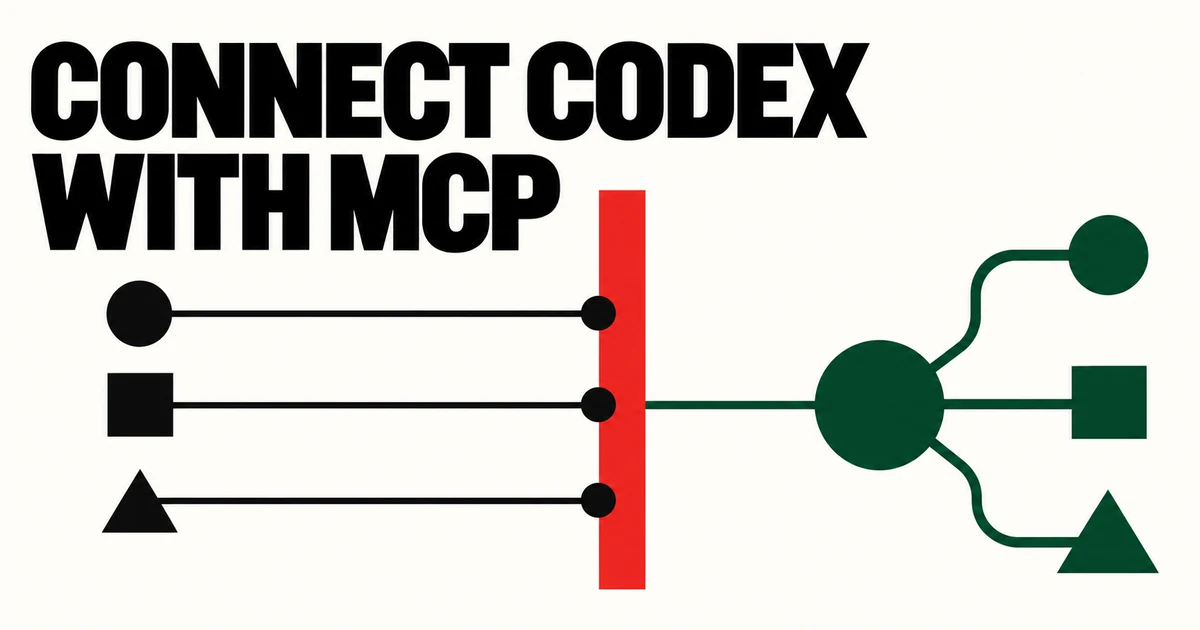
- MCP connects Codex to external documentation, data and tools through a common protocol.
- Codex supports local STDIO and remote Streamable HTTP servers; HTTP can use bearer tokens or OAuth.
- Adding a server creates a trust boundary. Review least privilege, secret flow and write approvals first.
When Codex needs documentation, design tools, a browser or an internal system outside the repository, repeated copy-and-paste becomes stale and hard to reproduce. Model Context Protocol exposes tools and context in a standard form.
Installation also changes trust. You must know which local process runs, where remote data goes and whether the server offers read operations, write operations or both.
The three things MCP can provide
Tools perform explicit actions such as creating an issue, reading a design or querying a database. Resources provide searchable context. Server instructions communicate cross-tool workflow, constraints and rate limits during initialization.
OpenAI recommends making the first 512 characters of server instructions self-contained so the most important boundaries remain available during tool selection.
Choose STDIO or Streamable HTTP deliberately
An STDIO server starts as a local command. It is convenient for local files and developer tools, but you must trust the package and execution command.
A Streamable HTTP server lives at a URL and can support bearer authentication, OAuth and dynamic client registration. It suits centrally managed services, but adds remote transmission and retention questions.
- STDIO: review local command, environment variables and package supply chain
- HTTP: review domain, TLS, authentication scope and data retention
Connect MCP in desktop and CLI
The ChatGPT desktop app, Codex CLI and IDE extension share MCP configuration on the same Codex host. The default lives in the Codex home config.toml; trusted projects can scope servers in .codex/config.toml.
Use add and list in the CLI, login for OAuth, or add the command or URL under MCP servers in desktop settings and restart.
# STDIO example
codex mcp add context7 -- npx -y @upstash/context7-mcp

# Inspect and authenticate
codex mcp list
codex mcp login <server-name>

# Inspect active tools in the TUI
/mcp
Use the read-only OpenAI Docs MCP
OpenAI hosts a public server that searches and reads developers.openai.com, platform.openai.com and learn.chatgpt.com. It is documentation-only and does not call the OpenAI API on your behalf.
After registering it, a concise AGENTS.md rule can tell Codex to use official docs for OpenAI product work, reducing reliance on stale memory.
codex mcp add openaiDeveloperDocs --url https://developers.openai.com/mcp
codex mcp list

# config.toml
[mcp_servers.openaiDeveloperDocs]
url = "https://developers.openai.com/mcp"
A pre-connection security checklist
Do not trust a server from its name alone. Review the STDIO package or HTTP domain, auth scope, read/write capabilities and whether returned data can contain secrets.
MCP tools may still require approval under the current policy and tool annotations. Make writes, deletion, messages and production changes visibly confirmable. Prefer environment-variable or OAuth secret flows over plaintext configuration.
Give overlapping tools short routing rules
If several servers can search, assign authority: official API facts come from the OpenAI Docs MCP; internal policy comes from the company server. “Always call every tool” creates latency and unnecessary disclosure.
Debug with the server list, verbose diagnostics, logs and authentication state. Broadening permissions is not a substitute for identifying the failed layer.
Prompt for the job, AGENTS.md for repository rules, Skills for workflows, Goals for persistence
Subagents split independent work; MCP connects outside tools and context. Keeping those layers separate makes instructions shorter and execution more predictable.
Frequently asked questions
What is MCP in Codex?
It is a protocol for exposing external tools, documentation and context to Codex in a standard form.
How do STDIO and HTTP MCP servers differ?
STDIO runs a local process; Streamable HTTP connects to a remote service. They require different supply-chain and data-transfer reviews.
Does the OpenAI Docs MCP call the API?
No. It is a read-only documentation search and retrieval server.
Does adding MCP grant unlimited access?
No. The active sandbox, approval policy and per-tool approval settings still apply.