GitHub Copilot Blocked at Startup? Check Policy Refresh and Client Version
VS Code opens normally, but Copilot refuses to start after your company changed a policy, even though you signed in fine yesterday. What is it still waiting for?
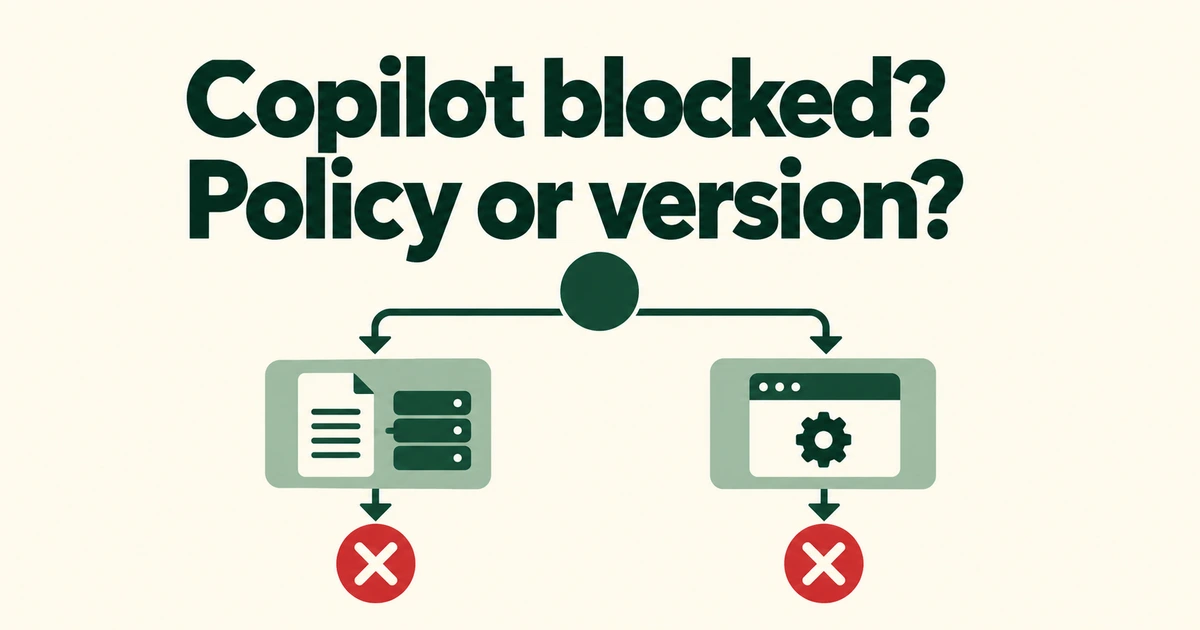
- A required startup refresh cannot be satisfied by cached policy.
- Device-delivered requirements can apply before the first sign-in.
- A sandbox minimum-version block needs a different response from a failed policy download.
A fresh-policy requirement removes the cached fallback
If your company enables forceRemoteSettingsRefresh, GitHub Copilot must fetch current server-managed settings at startup. The October 13 change lets administrators require current policy before work proceeds.
A previous successful download is insufficient. The setting reference distinguishes clients: VS Code blocks Copilot features until refresh succeeds; the CLI and app restrict affected operations. This does not mean the VS Code editor itself exits.
Server and device delivery have different starting points
A server-delivered refresh requirement must reach the client once before it can govern subsequent startups. MDM or file-based delivery can establish the requirement before the first sign-in.
| Delivery | Location | Starting point |
|---|---|---|
| Server | copilot/managed-settings.json in .github-private | Later startups after first receipt |
| MDM or device file | Operating-system policy or designated file | Can apply before first sign-in |
The deployment guide also separates account-associated server policy from device settings that persist across account changes.
A sandbox version block is a separate condition
An outdated client can still be blocked even when it can reach the policy server. When managed settings include sandbox, the minimum versions listed on October 26 are VS Code 1.141.0, Copilot CLI 1.0.93 and Copilot App 1.1.26.
Distinguish a failed download from a request to update. The former requires checking policy delivery and connectivity; the latter requires a client that supports the enforced policy.
Give IT the policy context and client details
A useful report includes the app, version, error text, failure time and any recent policy rollout. Administrators can then identify which delivery source supplied the requirement.
The managed JSON value is a Boolean; native MDM uses a string representation. This is not an ordinary personal preference. Without the forced-refresh setting, normal policy caching remains available. Requiring freshness means accepting startup restrictions when current policy cannot be confirmed.